Planetando Falar com a Planetando
Prompts grátis · vídeo com IA

Vídeos com IA que param o feed, com o prompt pronto

15 vídeos de produtos, carros e efeitos de impacto. Em cada um você vê o resultado, copia o prompt e baixa as referências para fazer o seu.

Ver os 15 vídeos
15vídeos prontos para recriar
1 cliquepara copiar o prompt
Referênciasfotos e vídeos para baixar
Grátissem cadastro
Os 15 vídeos

Escolha o vídeo que você quer fazer

Toque no vídeo para ver o prompt, os passos e as referências.

01Vídeo + fotos

Carro no estúdio com a câmera de outro vídeo

Onde fazer: Higgsfield, Kling 3.0 ou Seedance 2.5 (vídeo com referência)

  1. 1

    Baixe o vídeo de movimento e as imagens abaixo, ou troque pelas suas.

  2. 2

    Abra uma ferramenta de vídeo com referência (Higgsfield, Kling 3.0 ou Seedance 2.5) e envie o vídeo e as imagens nessa ordem.

  3. 3

    Cole o prompt, deixe em 9:16 e clique em Gerar.

Prompt
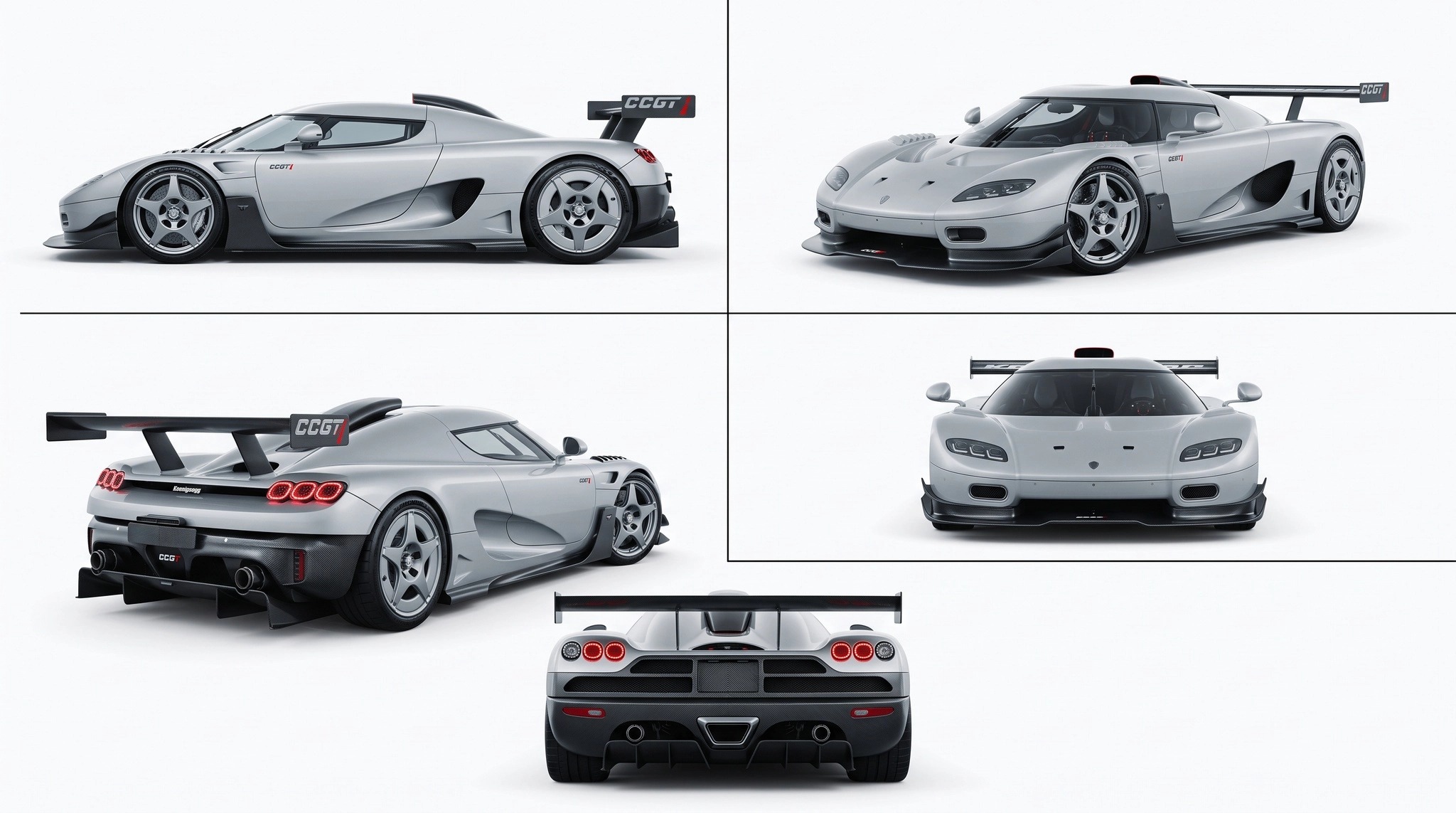
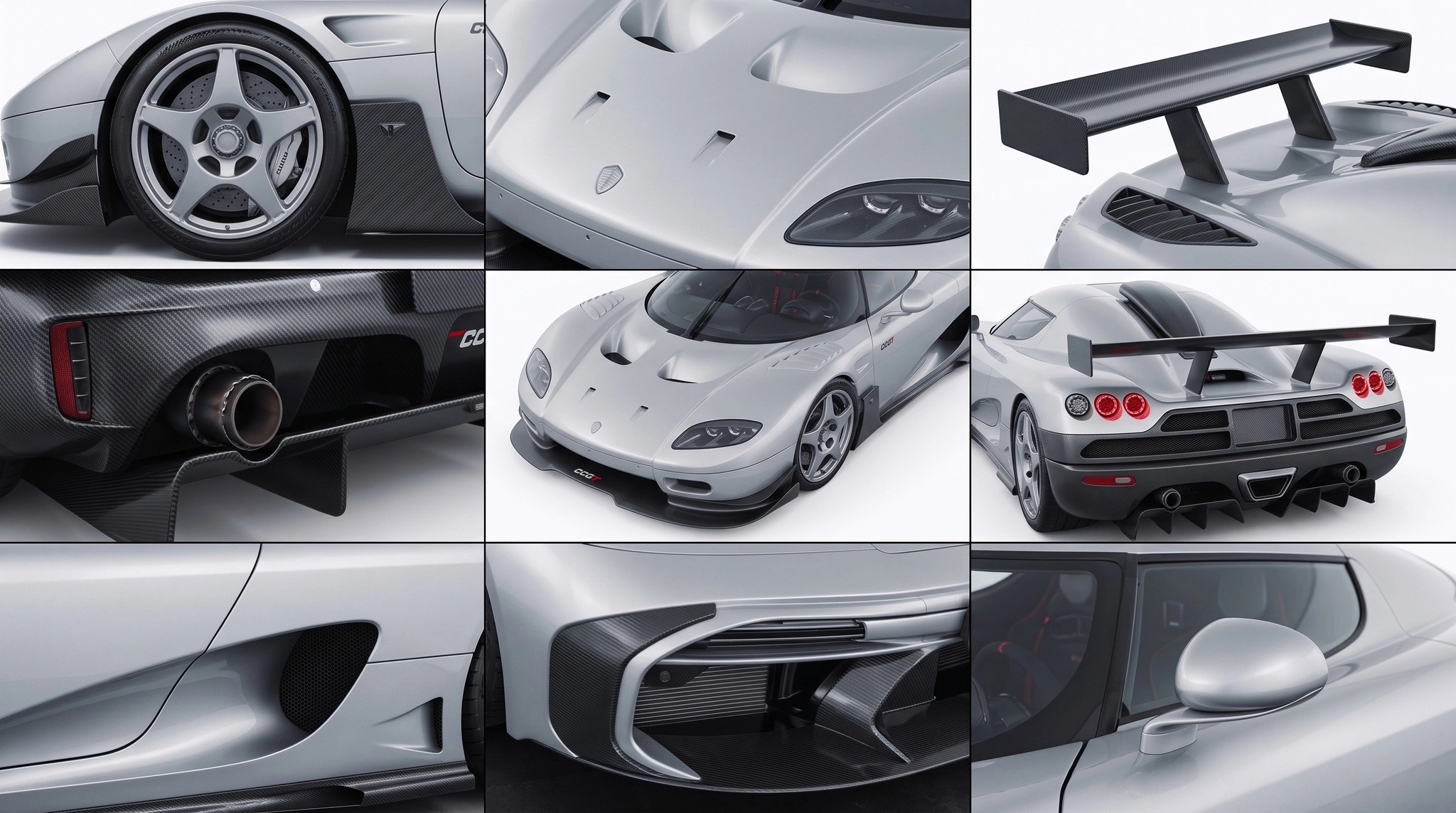
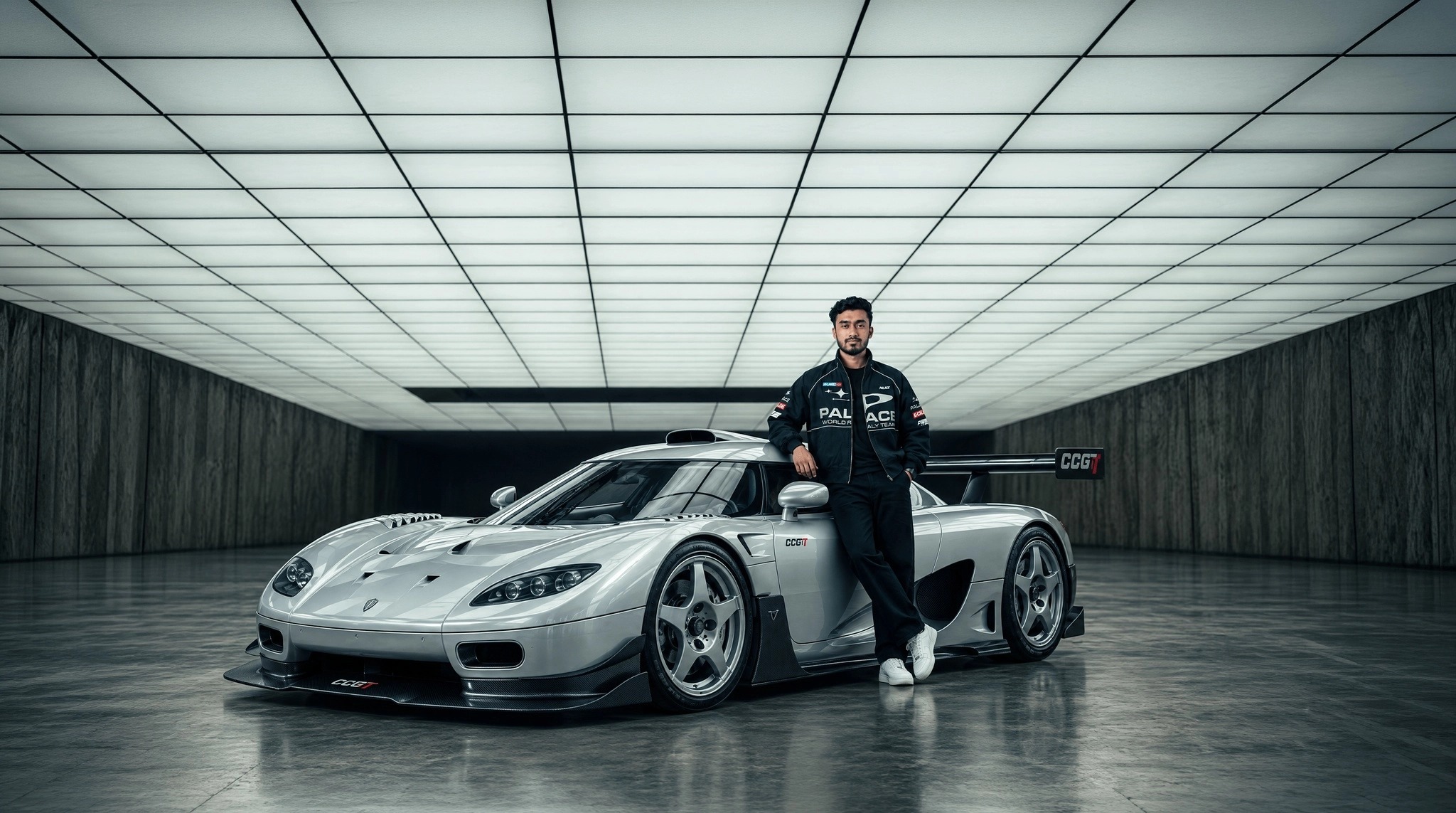
REFS: @Image 1 base scene (car, man, studio, everything) · @Image 4 car seen from all angles · @Image 3 car close-up · @Image 4 car interior · @Image 5 the man · @Video 1 the camera movement to copy.

Copy the exact camera movement of @Video 1 and apply it to our scene from the images — the Koenigsegg CCGT car, the man leaning on it, the studio. Render it photoreal. No cuts, just one single continuous camera movement from start to finish.

Referências

Vídeo 1 · movimentoBaixar
Imagem 1 · Carro no estúdio com a câmera de outro vídeo
Imagem 1Baixar
Ângulos · Carro no estúdio com a câmera de outro vídeo
ÂngulosBaixar
Close-ups · Carro no estúdio com a câmera de outro vídeo
Close-upsBaixar
02Com uma foto

Lata com explosão de splash

Onde fazer: Higgsfield, Kling 3.0 ou Seedance 2.5 (imagem para vídeo)

  1. 1

    Baixe a imagem inicial abaixo, ou use a foto do seu produto.

  2. 2

    Abra uma ferramenta de imagem para vídeo (Higgsfield, Kling 3.0 ou Seedance 2.5) e envie a foto.

  3. 3

    Cole o prompt, deixe em 9:16 e clique em Gerar.

Prompt
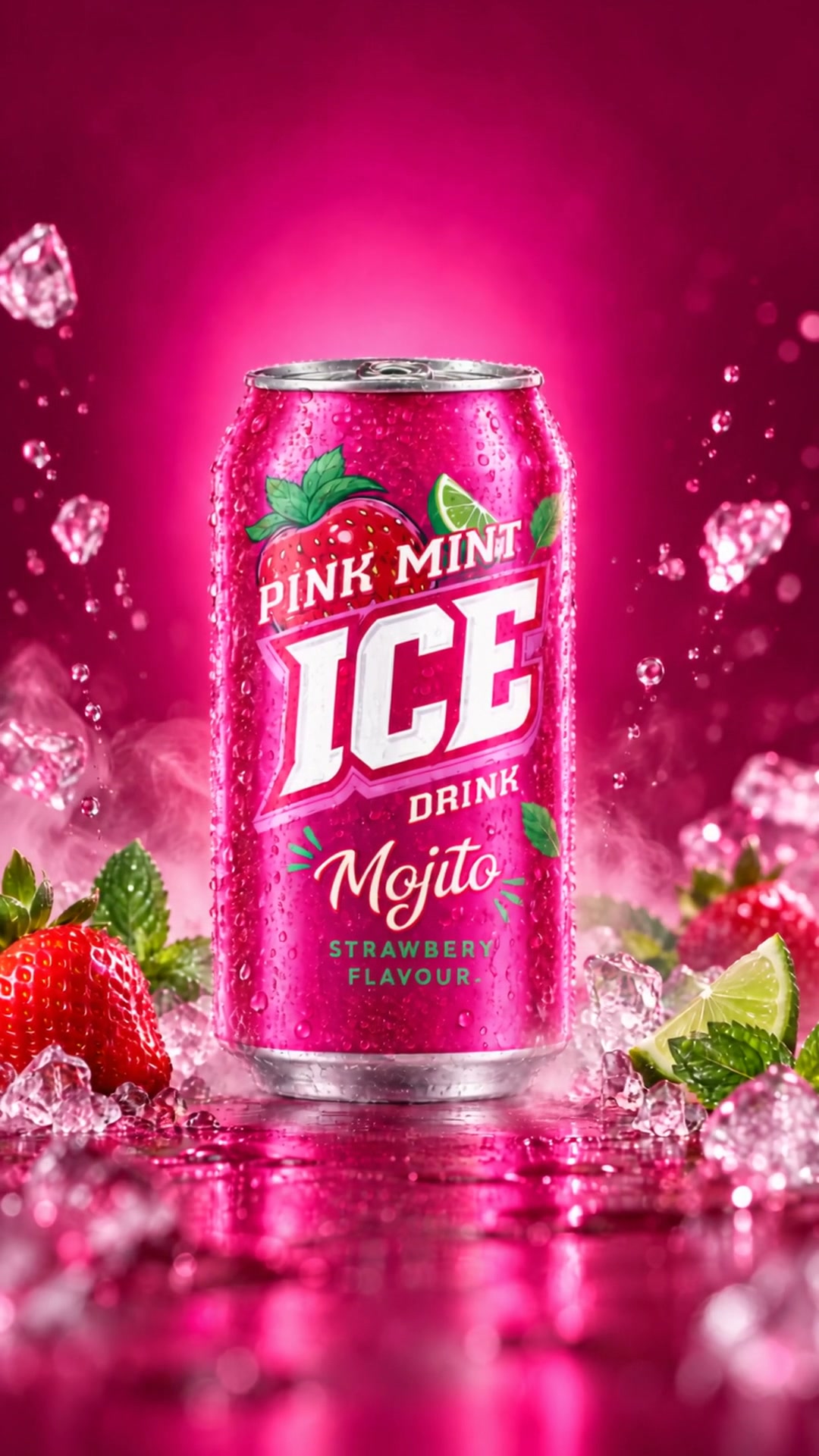
Use the attached product photo as the exact reference for the can: same shape, colors, logo, typography and label. Never redesign or morph the packaging.

Create a high-energy 10-second vertical 9:16 beverage commercial on a vivid pink studio background.

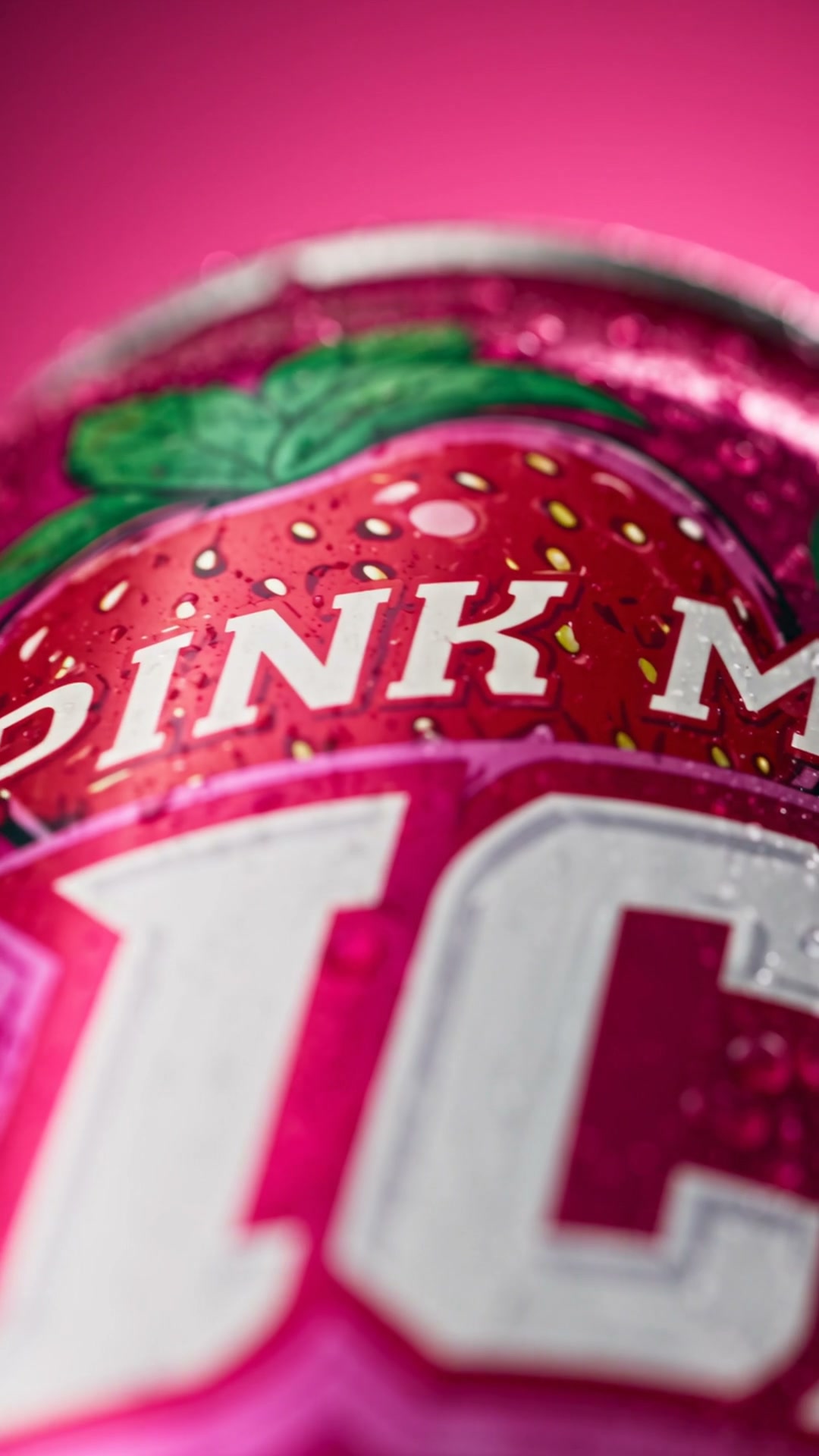
0–2s: extreme macro push across the can label, condensation droplets sliding down the cold aluminum.
2–5s: the can spins in mid-air while a spiral of crystal-clear liquid wraps around it like a tornado, ice cubes and splashes flying toward the lens.
5–7s: fast top-down macro of the opening tab, the can snaps open with a burst of fizz.
7–10s: hero shot. The can lands upright in the center, surrounded by exploding splashes, ice, mint leaves and fresh strawberries frozen in mid-air.

Fast whip pans and speed ramps between shots, glossy reflections, crisp commercial lighting, photoreal liquid simulation, no text added, no extra logos.

Referências

Imagem inicial · Lata com explosão de splash
Imagem inicialBaixar
Imagem final · Lata com explosão de splash
Imagem finalBaixar
03Com uma foto

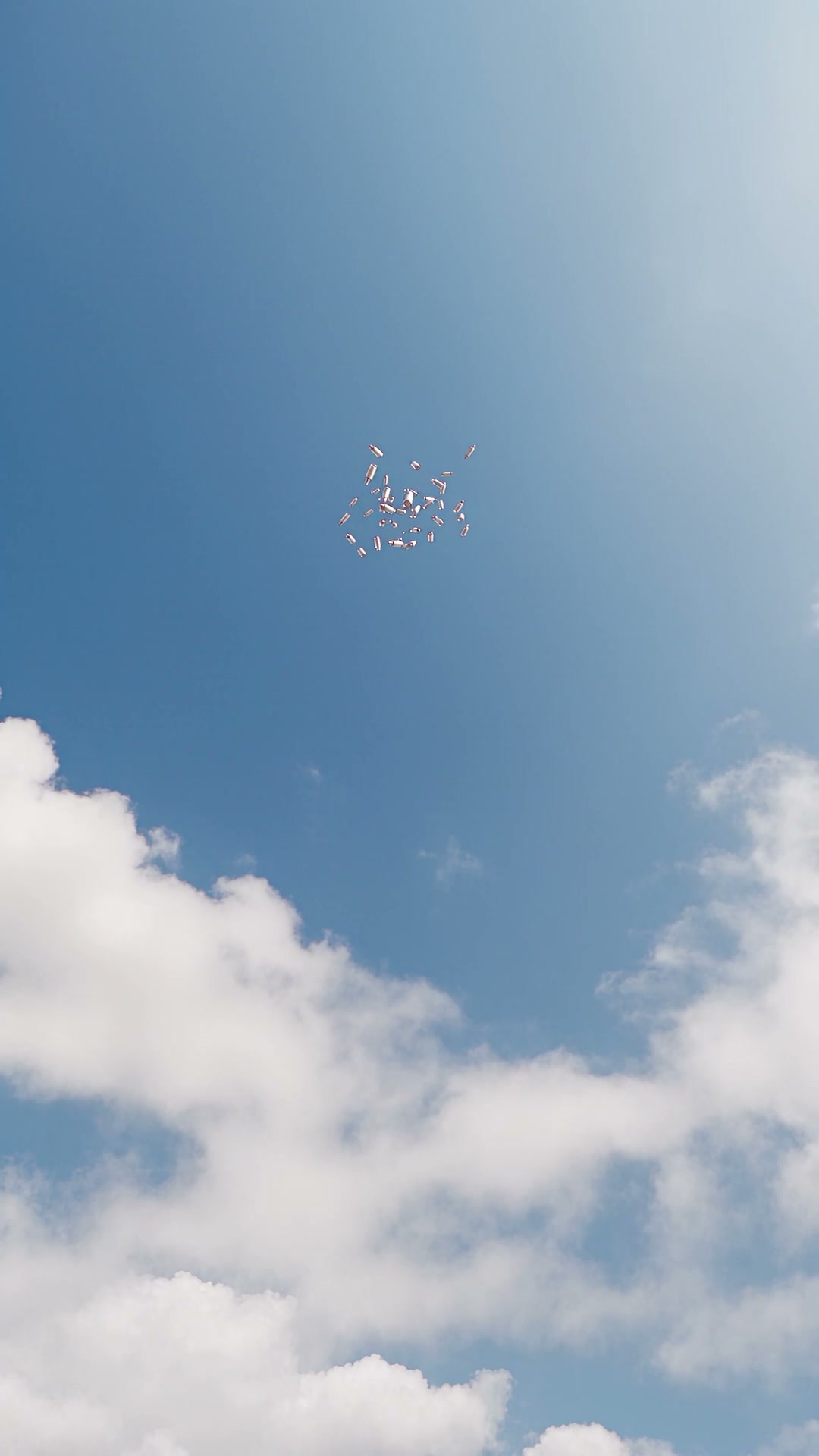
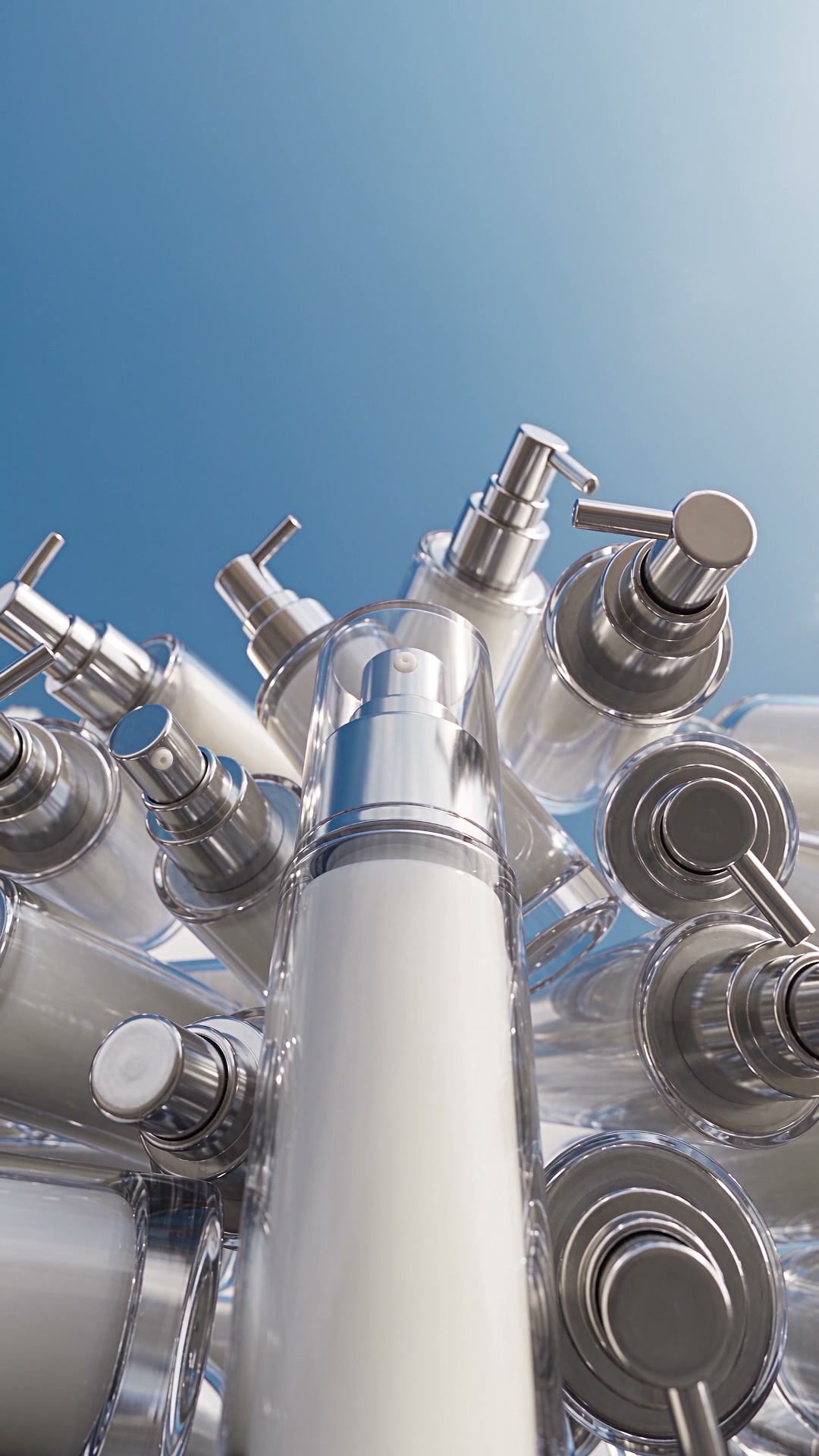
Chuva de produtos caindo do céu

Onde fazer: Higgsfield, Kling 3.0 ou Seedance 2.5 (imagem para vídeo)

  1. 1

    Baixe a imagem inicial abaixo, ou use a foto do seu produto.

  2. 2

    Abra uma ferramenta de imagem para vídeo (Higgsfield, Kling 3.0 ou Seedance 2.5) e envie a foto.

  3. 3

    Cole o prompt, deixe em 9:16 e clique em Gerar.

Prompt
Use the attached product photo as the exact reference for the bottle: same shape, cap, colors, label and logo. Do not redesign it.

Vertical 9:16, 5 seconds, one continuous shot. Open on a clean blue sky with soft white clouds, camera looking up. Dozens of identical bottles start falling from high above, tiny at first, then rushing toward the camera. They land and stack into a dense pile, while one hero bottle drops into the center and stands perfectly upright in the foreground.

Realistic physics, light bounces off the glossy surfaces, slight camera shake on impact, bright daylight, premium cosmetic campaign look. No text, no extra brands.

Referências

Imagem inicial · Chuva de produtos caindo do céu
Imagem inicialBaixar
Imagem final · Chuva de produtos caindo do céu
Imagem finalBaixar
04Com uma foto

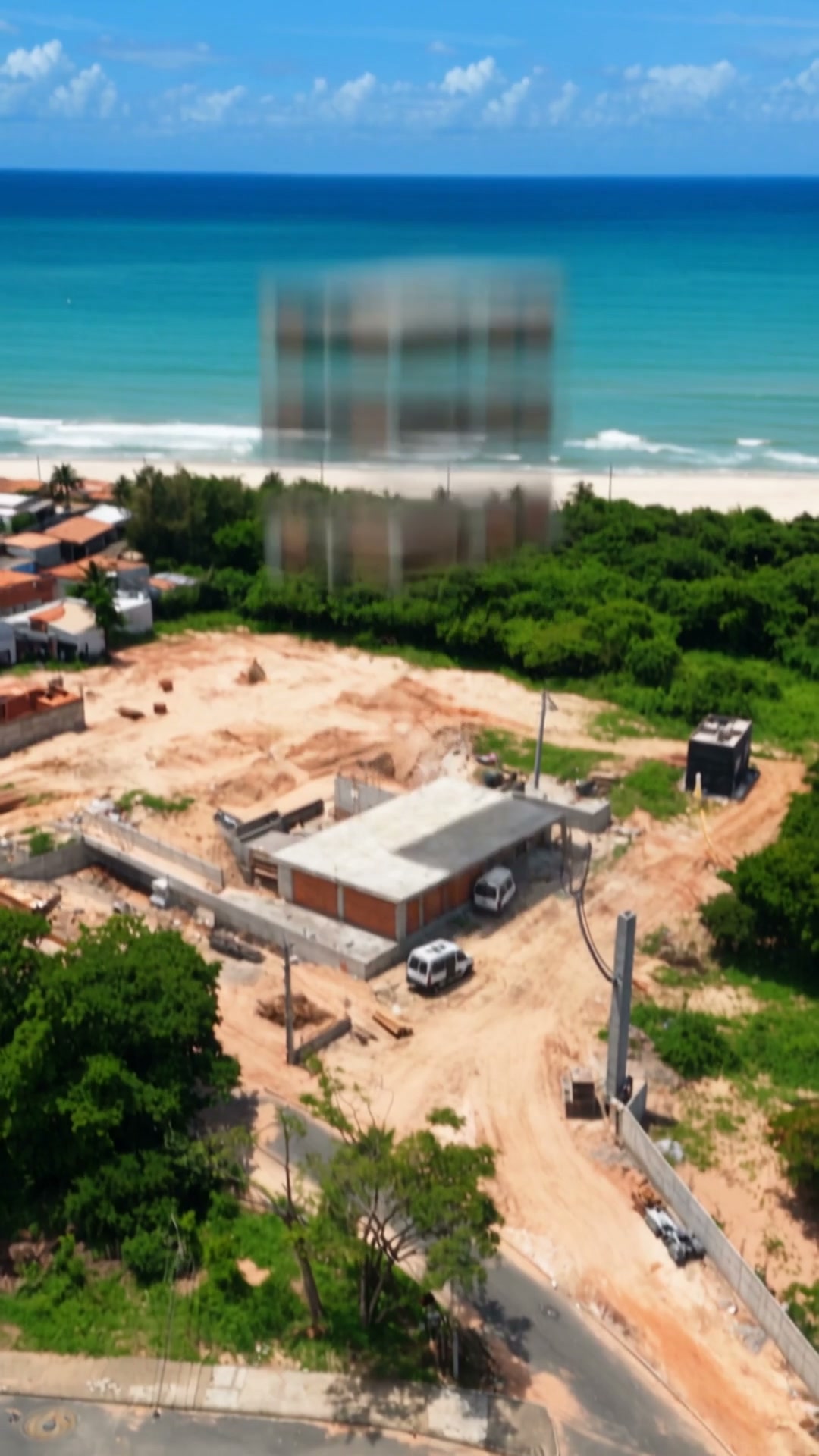
Prédio montando sozinho na praia

Onde fazer: Higgsfield, Kling 3.0 ou Seedance 2.5 (imagem para vídeo)

  1. 1

    Baixe a imagem inicial abaixo, ou use a foto do seu produto.

  2. 2

    Abra uma ferramenta de imagem para vídeo (Higgsfield, Kling 3.0 ou Seedance 2.5) e envie a foto.

  3. 3

    Cole o prompt, deixe em 9:16 e clique em Gerar.

Prompt
Use the attached photo as the exact reference for the location: the beachfront lot, the sea, the surrounding vegetation and the light.

Create a 20-second vertical 9:16 FPV drone film of a building assembling itself. Start high above the beach. The camera dives down fast as concrete floors fly in from the sky and stack one on top of the other, each impact sending up a little dust. Excavators and trucks work around the site.

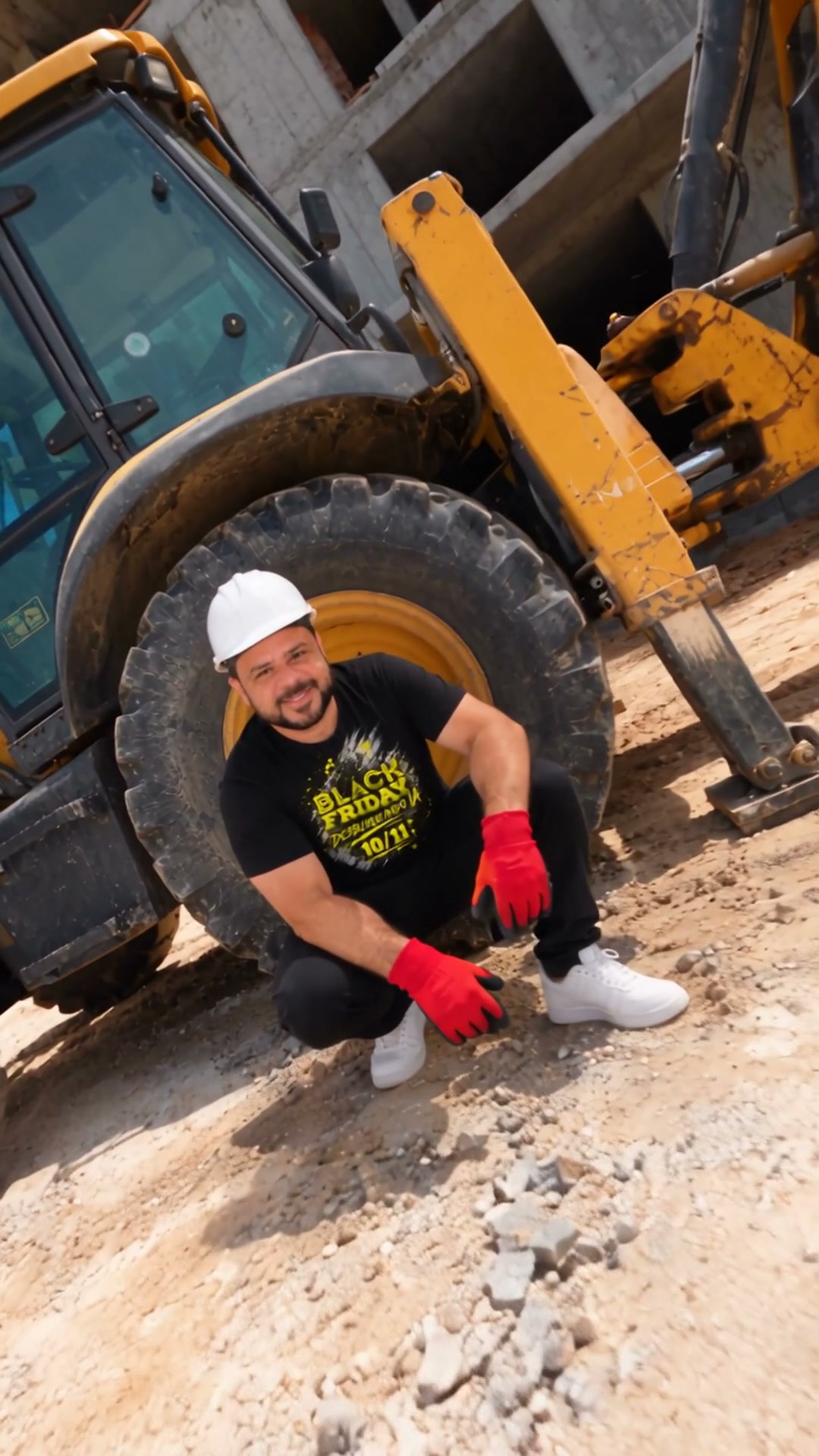
The drone weaves between the floors, passes inches from the yellow excavator arm, then pulls back to reveal the finished building against the ocean.

One continuous camera move, strong parallax, sunny tropical light, photoreal construction details, no text.

Referências

Imagem inicial · Prédio montando sozinho na praia
Imagem inicialBaixar
Imagem final · Prédio montando sozinho na praia
Imagem finalBaixar
05Com uma foto

Carro de corrida girando no estúdio

Onde fazer: Higgsfield, Kling 3.0 ou Seedance 2.5 (imagem para vídeo)

  1. 1

    Baixe a imagem inicial abaixo, ou use a foto do seu produto.

  2. 2

    Abra uma ferramenta de imagem para vídeo (Higgsfield, Kling 3.0 ou Seedance 2.5) e envie a foto.

  3. 3

    Cole o prompt, deixe em 9:16 e clique em Gerar.

Prompt
Use the attached photo as the exact reference for the car: same body, livery, colors, sponsors, wheels and wing. Never change the design.

Vertical 9:16, 10 seconds. The car sits in a dark showroom with a bright white light ceiling and a glossy black floor. The camera starts wide and frontal, then rushes forward and flips overhead in a fast 360-degree spin above the roof. It lands low beside the rear wheel and finishes on close details of the wing and the side livery.

One continuous FPV move with speed ramps, natural motion blur, mirror reflections on the floor, premium automotive commercial lighting, no text.

Referências

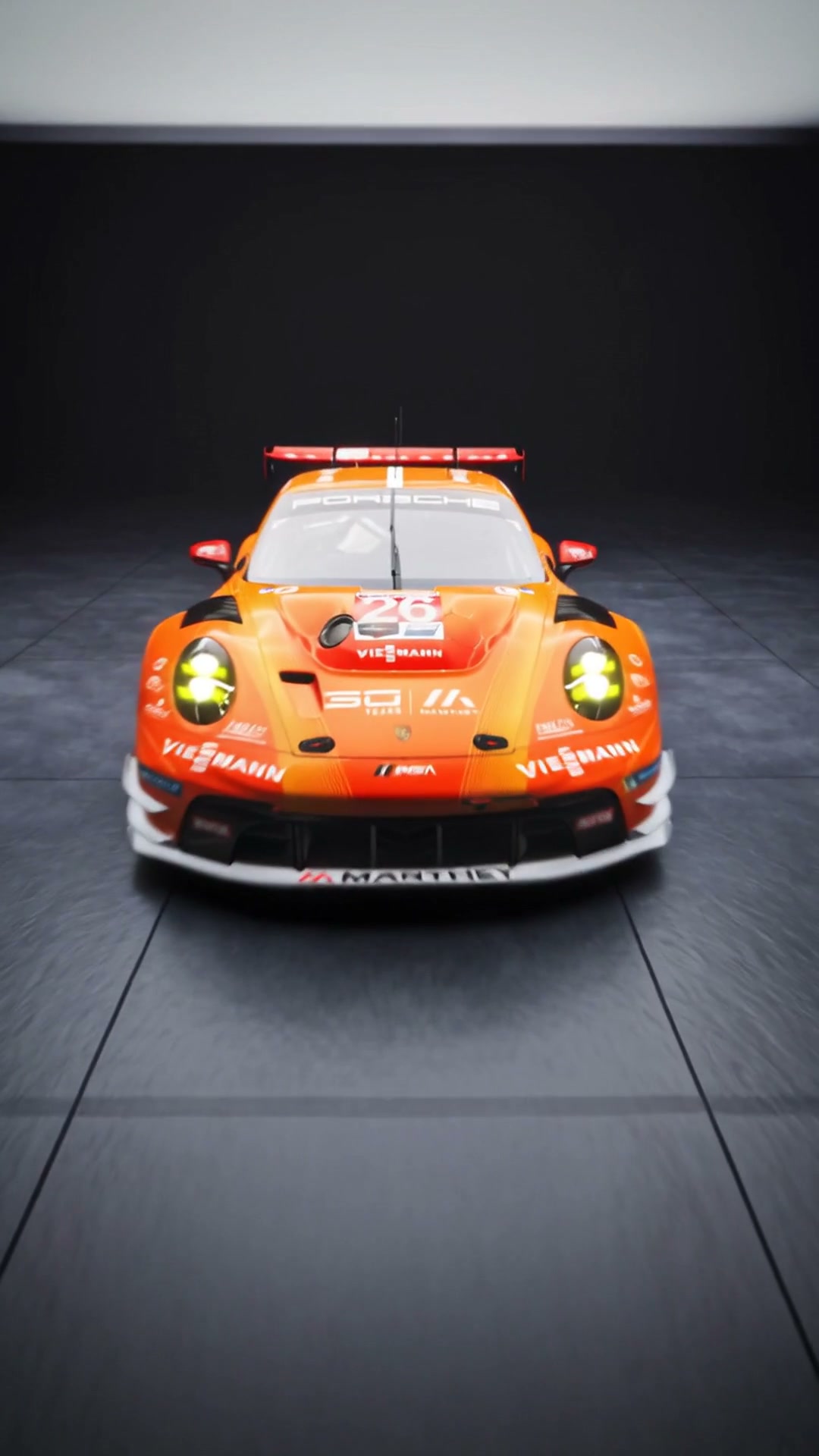
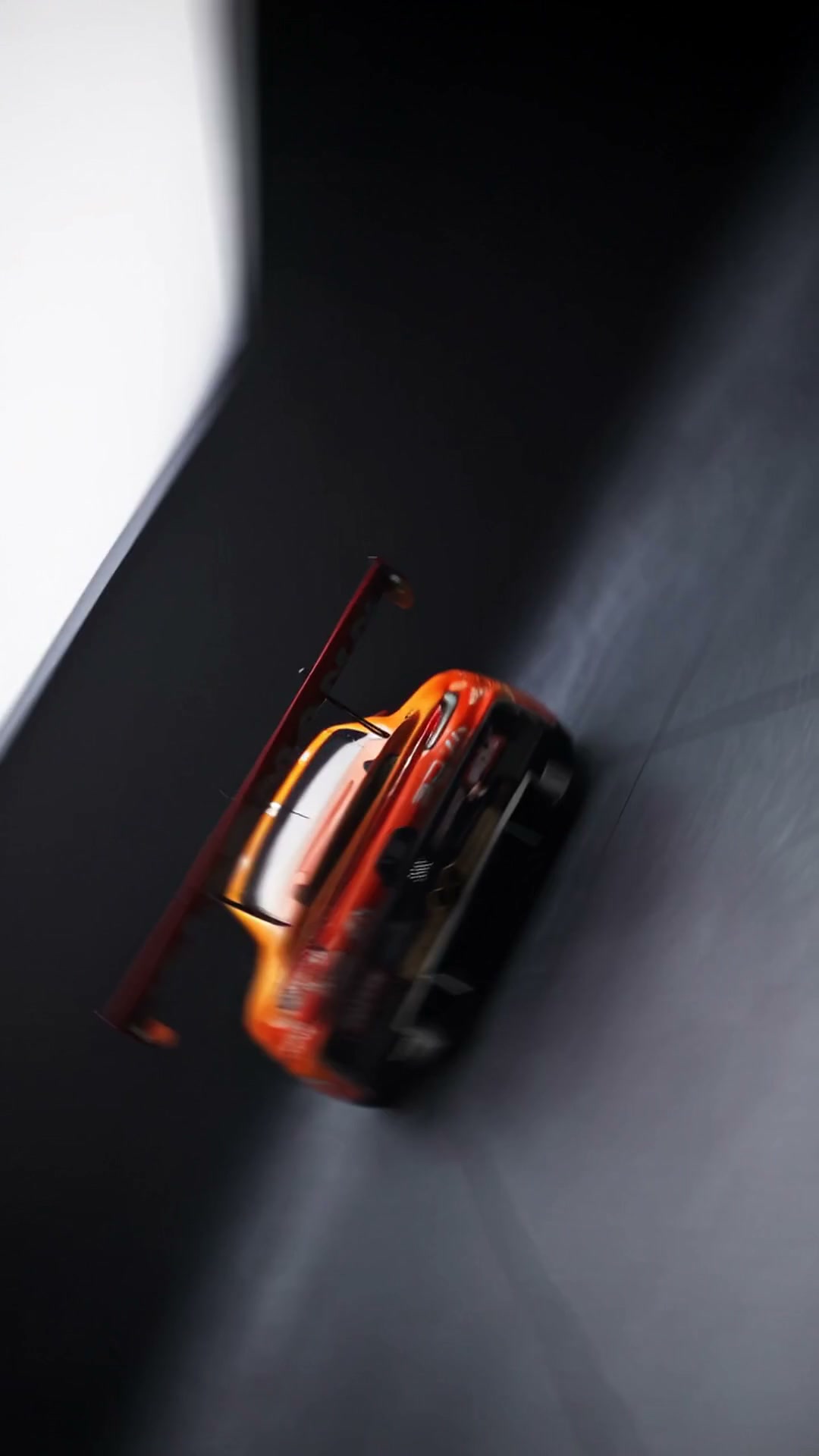
Imagem inicial · Carro de corrida girando no estúdio
Imagem inicialBaixar
Imagem final · Carro de corrida girando no estúdio
Imagem finalBaixar
06Com uma foto

Produto flutuando no estúdio

Onde fazer: Higgsfield, Kling 3.0 ou Seedance 2.5 (imagem para vídeo)

  1. 1

    Baixe a imagem inicial abaixo, ou use a foto do seu produto.

  2. 2

    Abra uma ferramenta de imagem para vídeo (Higgsfield, Kling 3.0 ou Seedance 2.5) e envie a foto.

  3. 3

    Cole o prompt, deixe em 9:16 e clique em Gerar.

Prompt
Use the attached product photo as the exact reference: same shape, materials, buttons, logo and finish.

Vertical 9:16, 7 seconds, clean light-gray infinity studio. The product floats in mid-air and slowly rotates. The camera glides in for an extreme macro pass over the scroll wheel and surface texture, then rises up and ends on a perfect top-down hero view with the product centered.

Soft studio lighting, subtle rim light, smooth slider and crane movement, premium tech product commercial, no text.

Referências

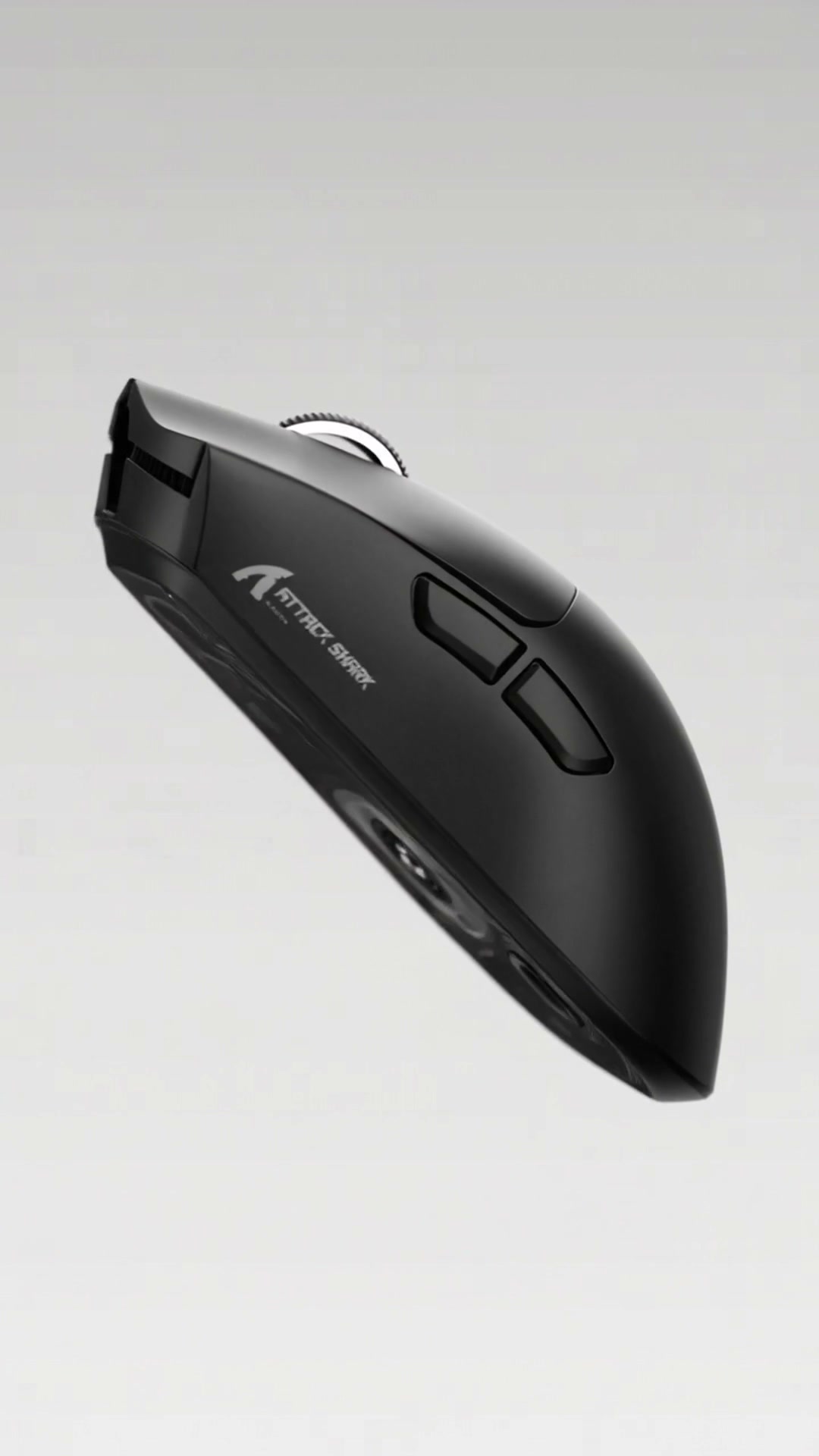
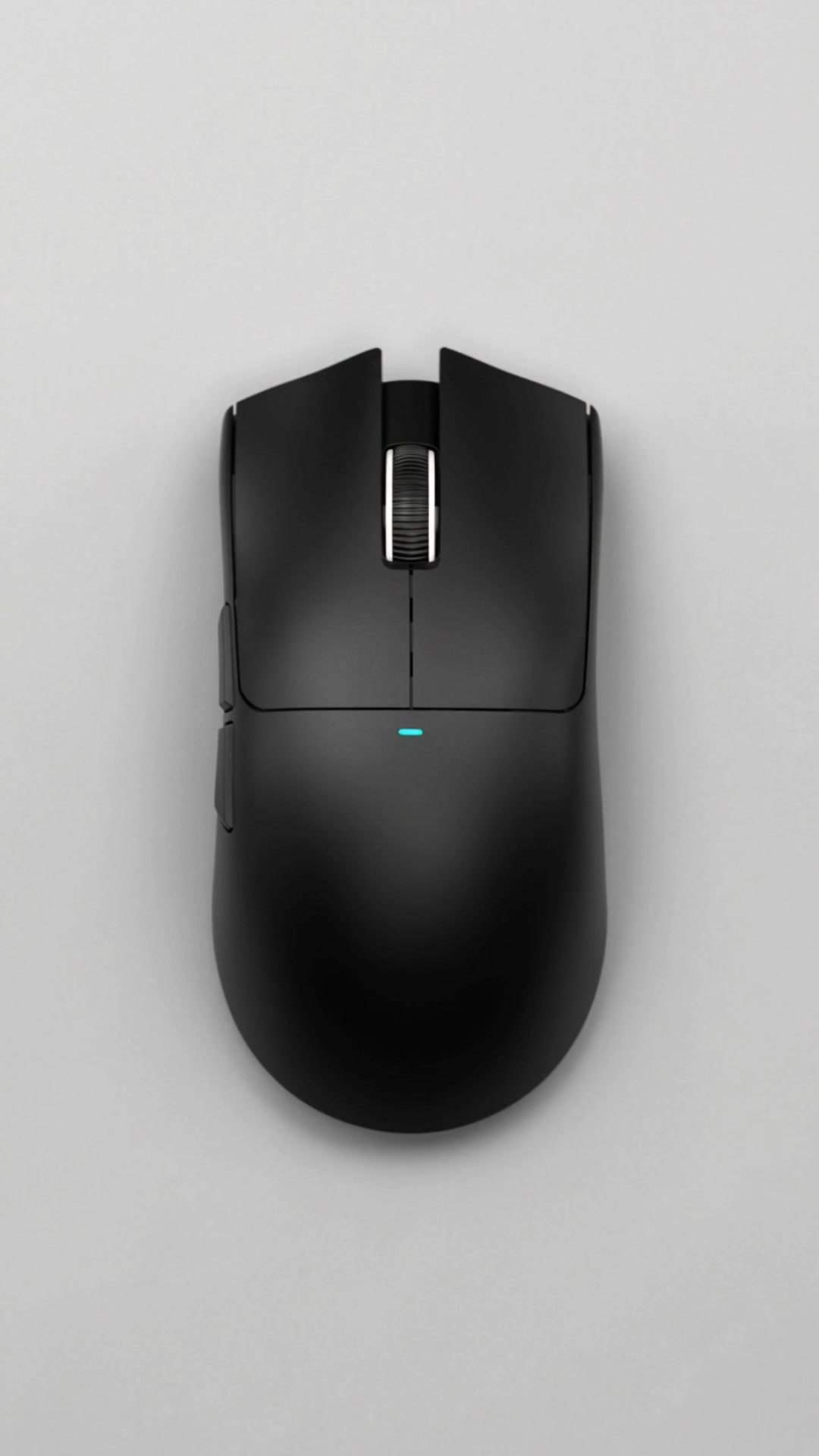
Imagem inicial · Produto flutuando no estúdio
Imagem inicialBaixar
Imagem final · Produto flutuando no estúdio
Imagem finalBaixar
07Com uma foto

Camisa de time em detalhes

Onde fazer: Higgsfield, Kling 3.0 ou Seedance 2.5 (imagem para vídeo)

  1. 1

    Baixe a imagem inicial abaixo, ou use a foto do seu produto.

  2. 2

    Abra uma ferramenta de imagem para vídeo (Higgsfield, Kling 3.0 ou Seedance 2.5) e envie a foto.

  3. 3

    Cole o prompt, deixe em 9:16 e clique em Gerar.

Prompt
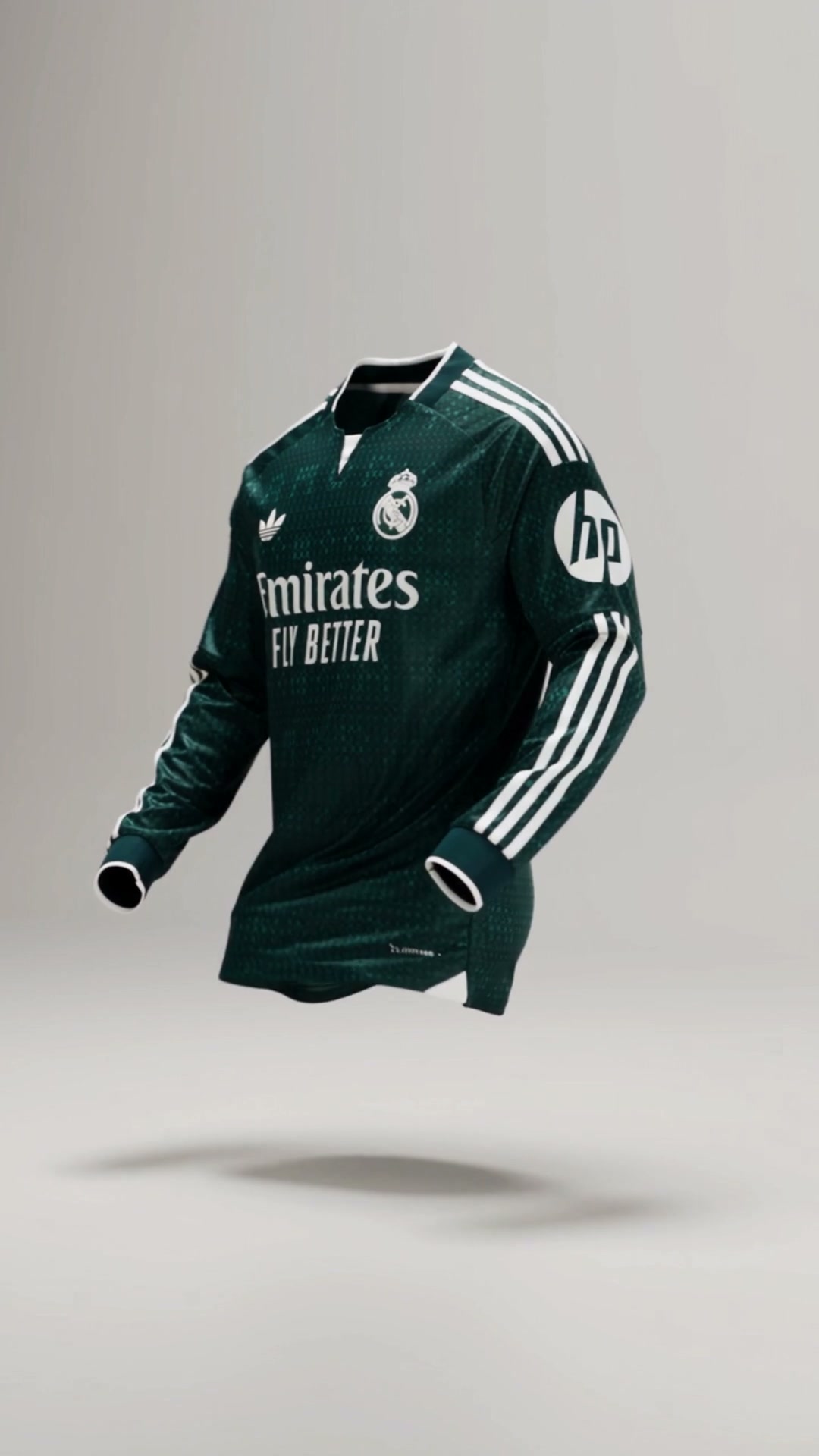
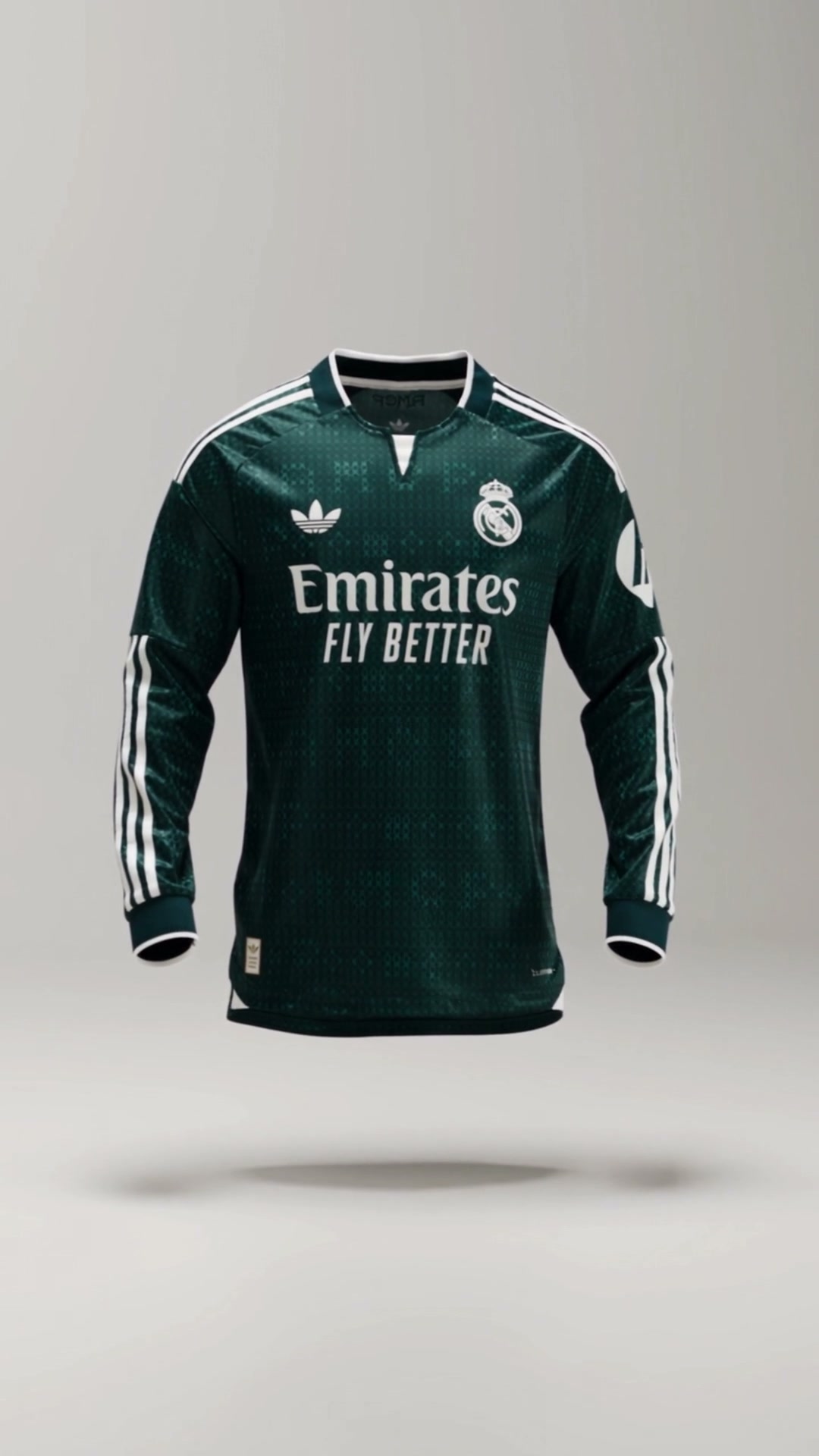
Use the attached product photo as the exact reference for the jersey: same colors, crest, sponsor, logos, collar and fabric pattern. Never redesign it.

Vertical 9:16, 9 seconds. The jersey floats as if worn by an invisible body in a light-gray studio, gently turning. The camera dives straight into the crest in an extreme macro shot, glides across the sponsor lettering and fabric texture, sweeps up to the collar, then pulls back to reveal the full jersey floating in the center.

Smooth continuous camera, crisp textile details, soft shadow on the floor, premium sportswear campaign, no extra text.

Referências

Imagem inicial · Camisa de time em detalhes
Imagem inicialBaixar
Imagem final · Camisa de time em detalhes
Imagem finalBaixar
08Com uma foto

Drink com a câmera em órbita

Onde fazer: Higgsfield, Kling 3.0 ou Seedance 2.5 (imagem para vídeo)

  1. 1

    Baixe a imagem inicial abaixo, ou use a foto do seu produto.

  2. 2

    Abra uma ferramenta de imagem para vídeo (Higgsfield, Kling 3.0 ou Seedance 2.5) e envie a foto.

  3. 3

    Cole o prompt, deixe em 9:16 e clique em Gerar.

Prompt
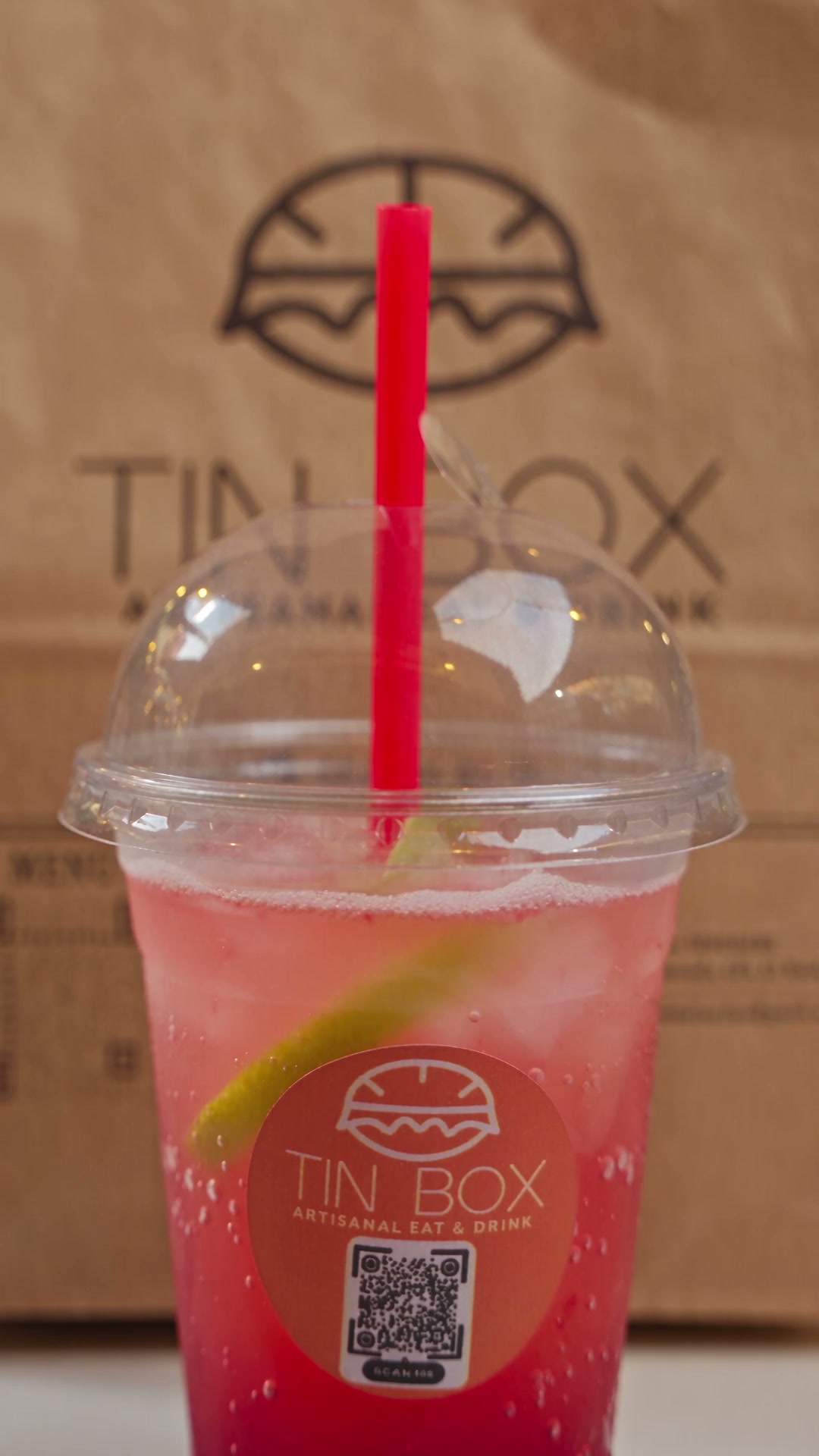
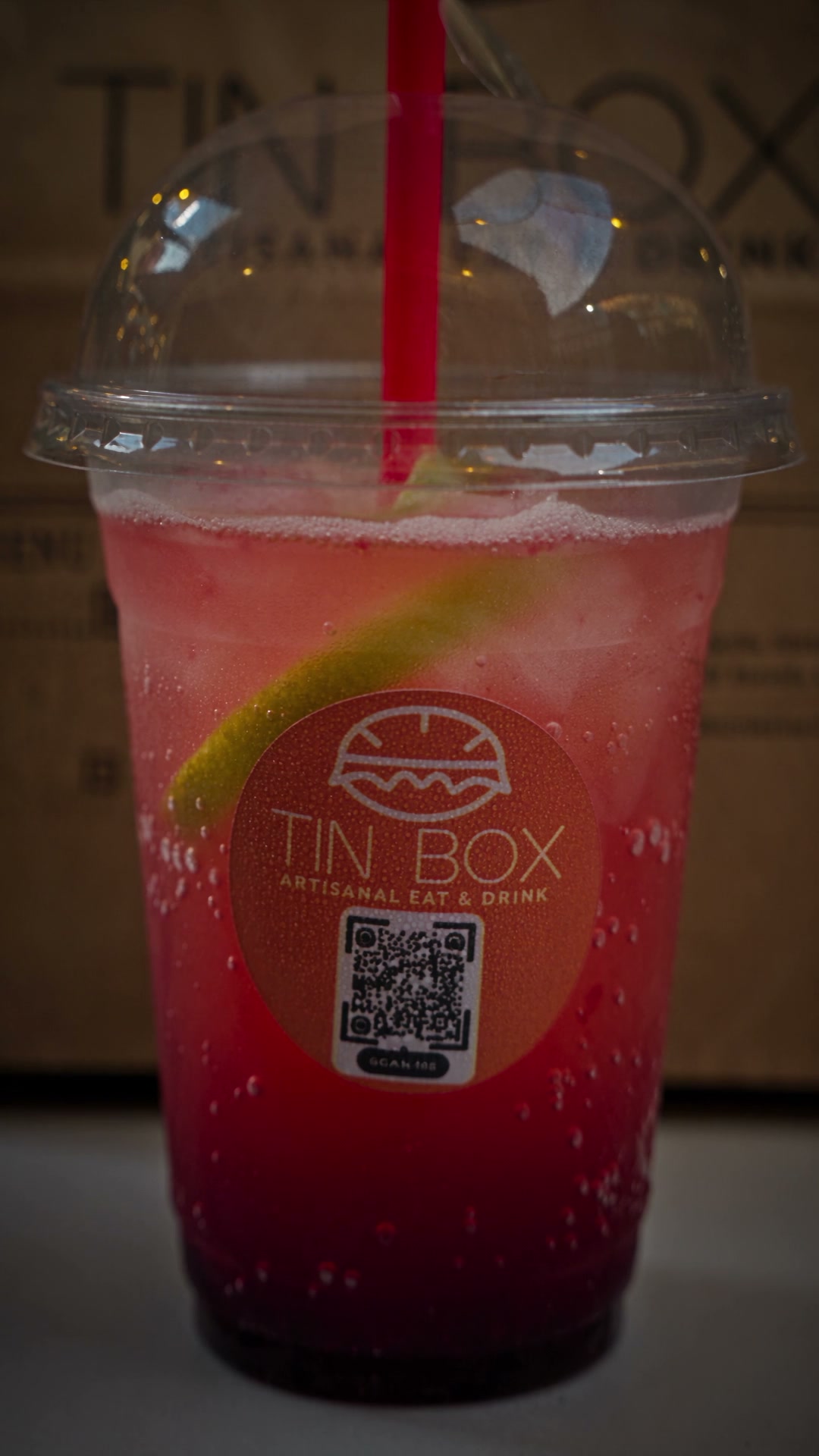
Use the attached photo as the exact reference for the products: the drink cup, straw, lid, logo and paper bag.

Vertical 9:16, 12 seconds. A glossy white table at night with warm bokeh lights in the background. The camera starts low and orbits around the cup and the paper bag, then pushes slowly into the cup until the logo and the colorful drink fill the frame, with ice and fruit visible through the plastic.

Smooth orbit, shallow depth of field, cinematic food commercial lighting, realistic condensation, no new text.

Referências

Imagem inicial · Drink com a câmera em órbita
Imagem inicialBaixar
Imagem final · Drink com a câmera em órbita
Imagem finalBaixar
09Com uma foto

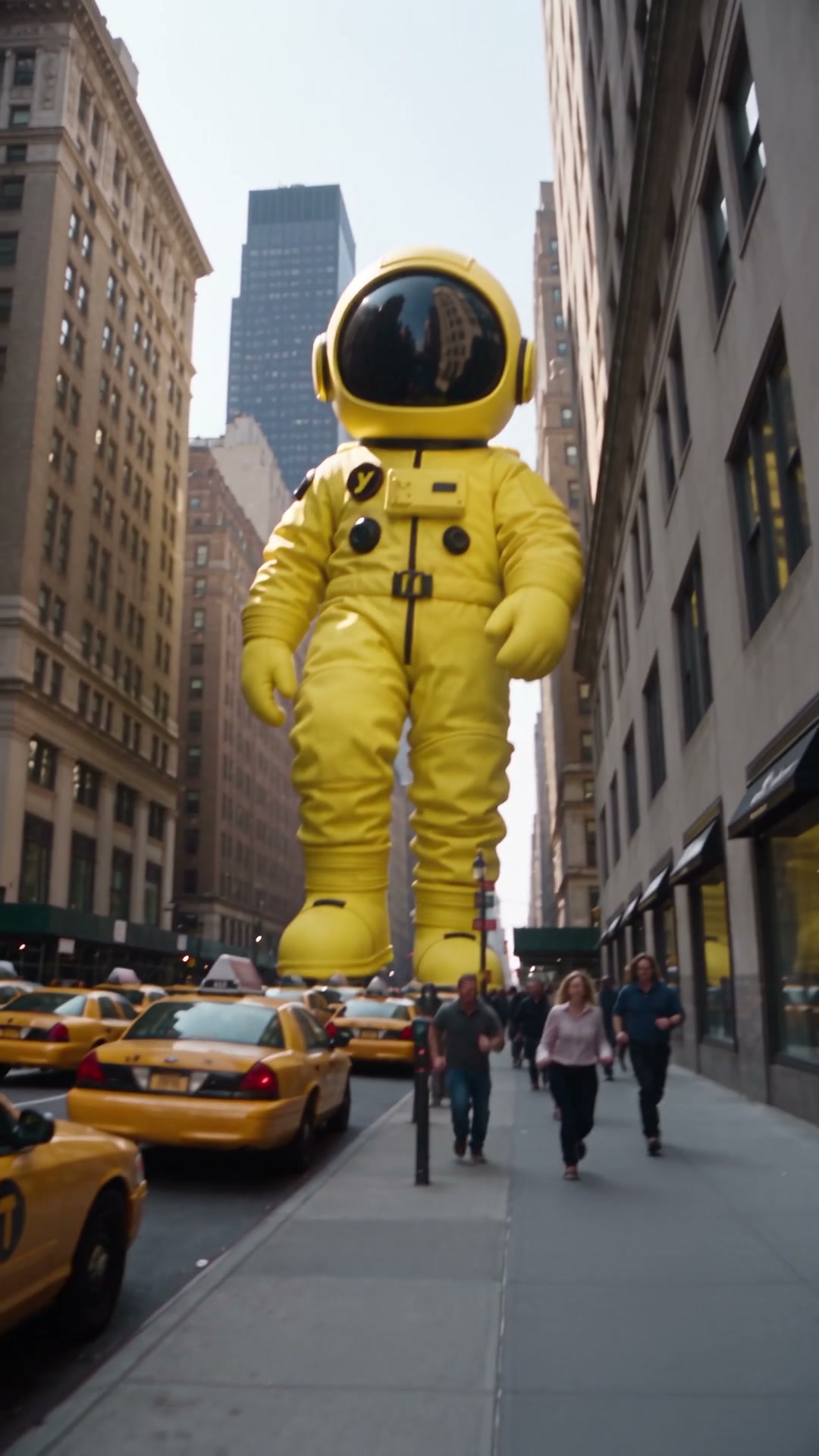
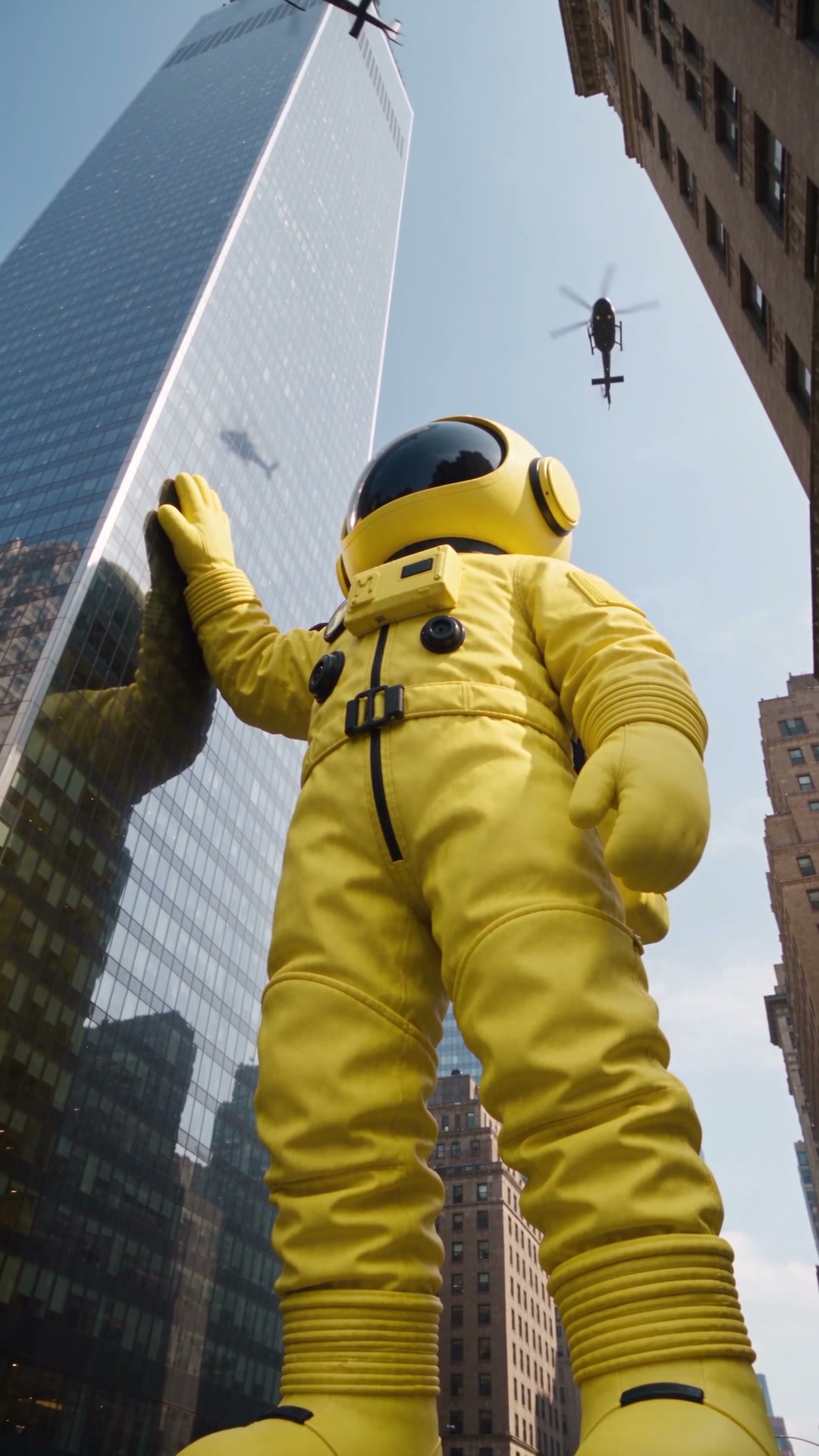
Personagem gigante andando na cidade

Onde fazer: Higgsfield, Kling 3.0 ou Seedance 2.5 (imagem para vídeo)

  1. 1

    Baixe a imagem inicial abaixo, ou use a foto do seu produto.

  2. 2

    Abra uma ferramenta de imagem para vídeo (Higgsfield, Kling 3.0 ou Seedance 2.5) e envie a foto.

  3. 3

    Cole o prompt, deixe em 9:16 e clique em Gerar.

Prompt
Use the attached photo as the exact reference for the character: same suit, colors, helmet and proportions.

Vertical 9:16, 10 seconds. The character is a colossal giant walking down a busy New York avenue between skyscrapers. Yellow taxis and people run on the street below. The camera starts at street level, cuts inside a car looking up through the window as the giant passes, then rises to show it standing between towers with helicopters circling.

Realistic scale, heavy footsteps, natural daylight, handheld documentary feel, photoreal city, no text.

Referências

Imagem inicial · Personagem gigante andando na cidade
Imagem inicialBaixar
Imagem final · Personagem gigante andando na cidade
Imagem finalBaixar
10Com uma foto

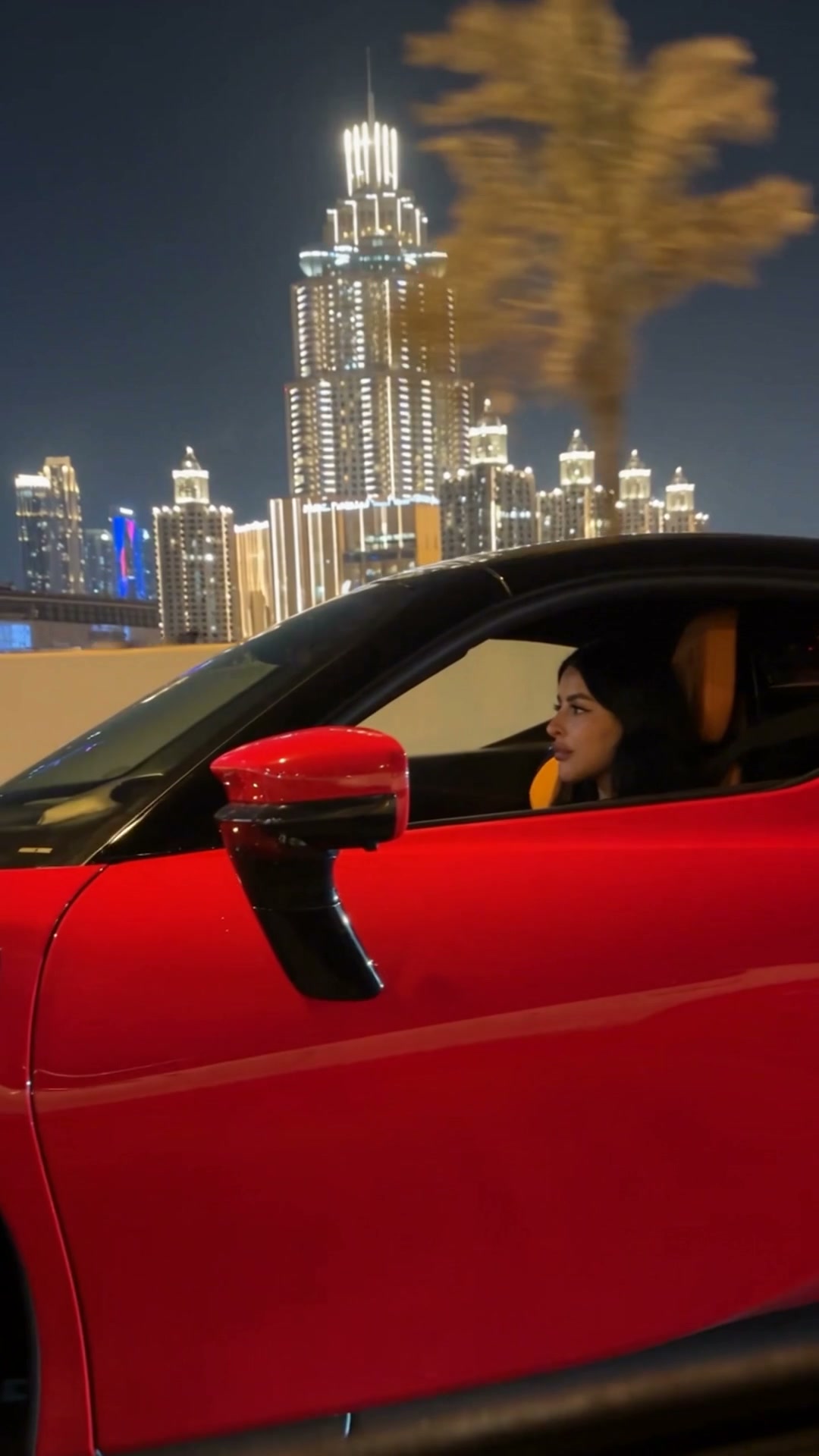
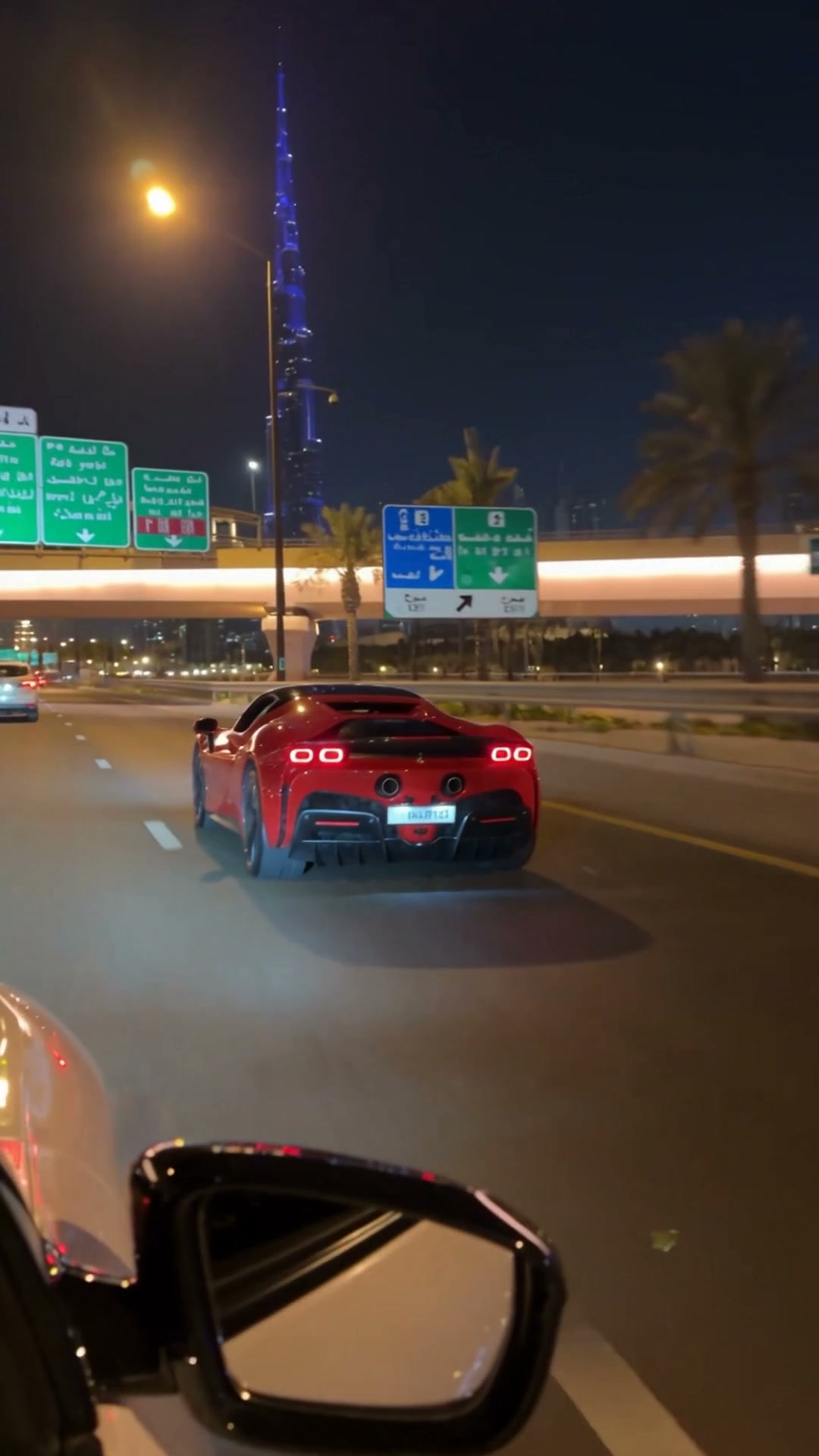
Carro esportivo na noite da cidade

Onde fazer: Higgsfield, Kling 3.0 ou Seedance 2.5 (imagem para vídeo)

  1. 1

    Baixe a imagem inicial abaixo, ou use a foto do seu produto.

  2. 2

    Abra uma ferramenta de imagem para vídeo (Higgsfield, Kling 3.0 ou Seedance 2.5) e envie a foto.

  3. 3

    Cole o prompt, deixe em 9:16 e clique em Gerar.

Prompt
Use the attached photo as the exact reference for the car and the city: same model, red paint, details and skyline.

Vertical 9:16, 9 seconds, one continuous shot. Start beside the driver's window at night with the illuminated city in the background. The camera slides along the car, rises over the roof, flips around the side and falls behind as the car accelerates down the highway, ending on a low chase shot with the city lights streaking.

FPV energy with speed ramps, motion blur, glossy reflections, premium automotive night commercial, no text.

Referências

Imagem inicial · Carro esportivo na noite da cidade
Imagem inicialBaixar
Imagem final · Carro esportivo na noite da cidade
Imagem finalBaixar
11Com uma foto

Assalto ao produto (Smash and Grab)

Onde fazer: Higgsfield, Kling 3.0 ou Seedance 2.5 (imagem para vídeo)

  1. 1

    Baixe a imagem inicial abaixo, ou use a foto do seu produto.

  2. 2

    Abra uma ferramenta de imagem para vídeo (Higgsfield, Kling 3.0 ou Seedance 2.5) e envie a foto.

  3. 3

    Cole o prompt, deixe em 9:16 e clique em Gerar.

Prompt
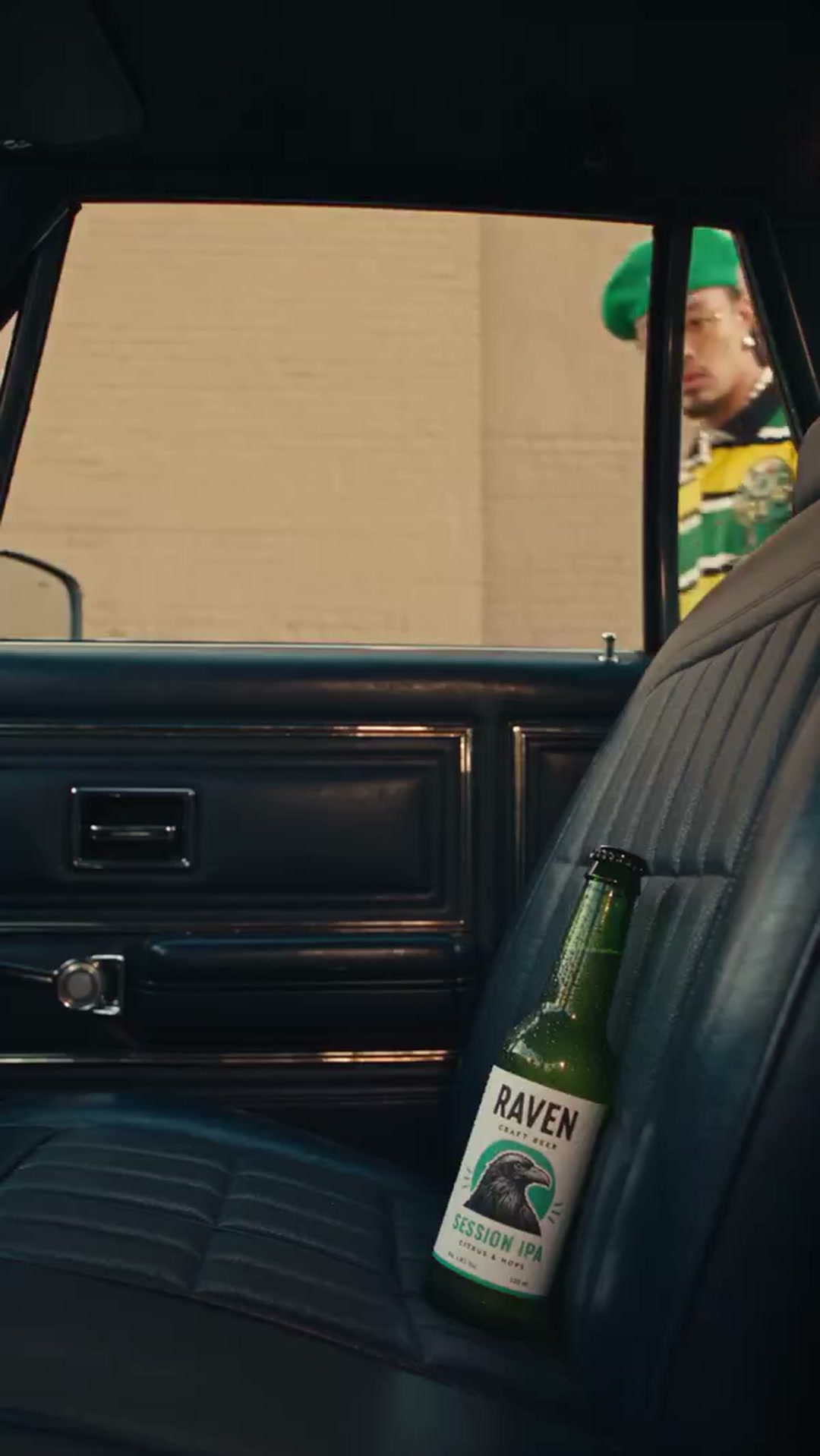
Use the attached photo as the exact reference for the product: same bottle, label, colors and logo.

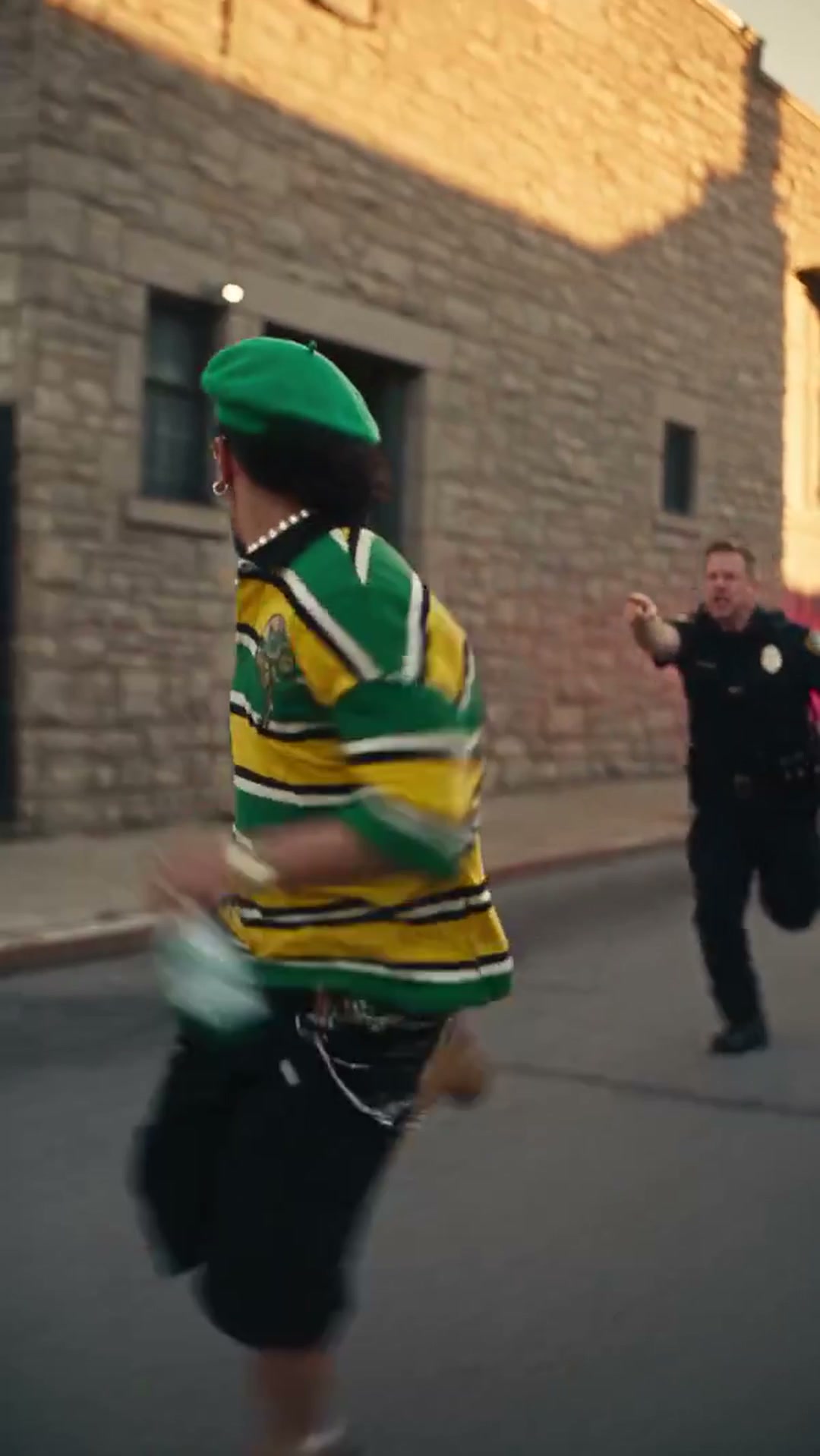
Vertical 9:16, 10 seconds. The product rests on the back seat of a car, seen from inside. A person appears outside the window, smashes the glass with one hit, grabs the product and runs. Cut to a fast tracking shot of the person sprinting down a sunny street holding the product, with police running behind.

Cinematic action commercial, glass shards in slow motion, handheld energy, realistic light, the product stays clearly visible and unchanged, no text.

Referências

Imagem inicial · Assalto ao produto (Smash and Grab)
Imagem inicialBaixar
Imagem final · Assalto ao produto (Smash and Grab)
Imagem finalBaixar
12Vídeo + fotos

Jogador no estádio com a câmera girando

Onde fazer: Higgsfield, Kling 3.0 ou Seedance 2.5 (vídeo com referência)

  1. 1

    Baixe o vídeo de movimento e as imagens abaixo, ou troque pelas suas.

  2. 2

    Abra uma ferramenta de vídeo com referência (Higgsfield, Kling 3.0 ou Seedance 2.5) e envie o vídeo e as imagens nessa ordem.

  3. 3

    Cole o prompt, deixe em 9:16 e clique em Gerar.

Prompt
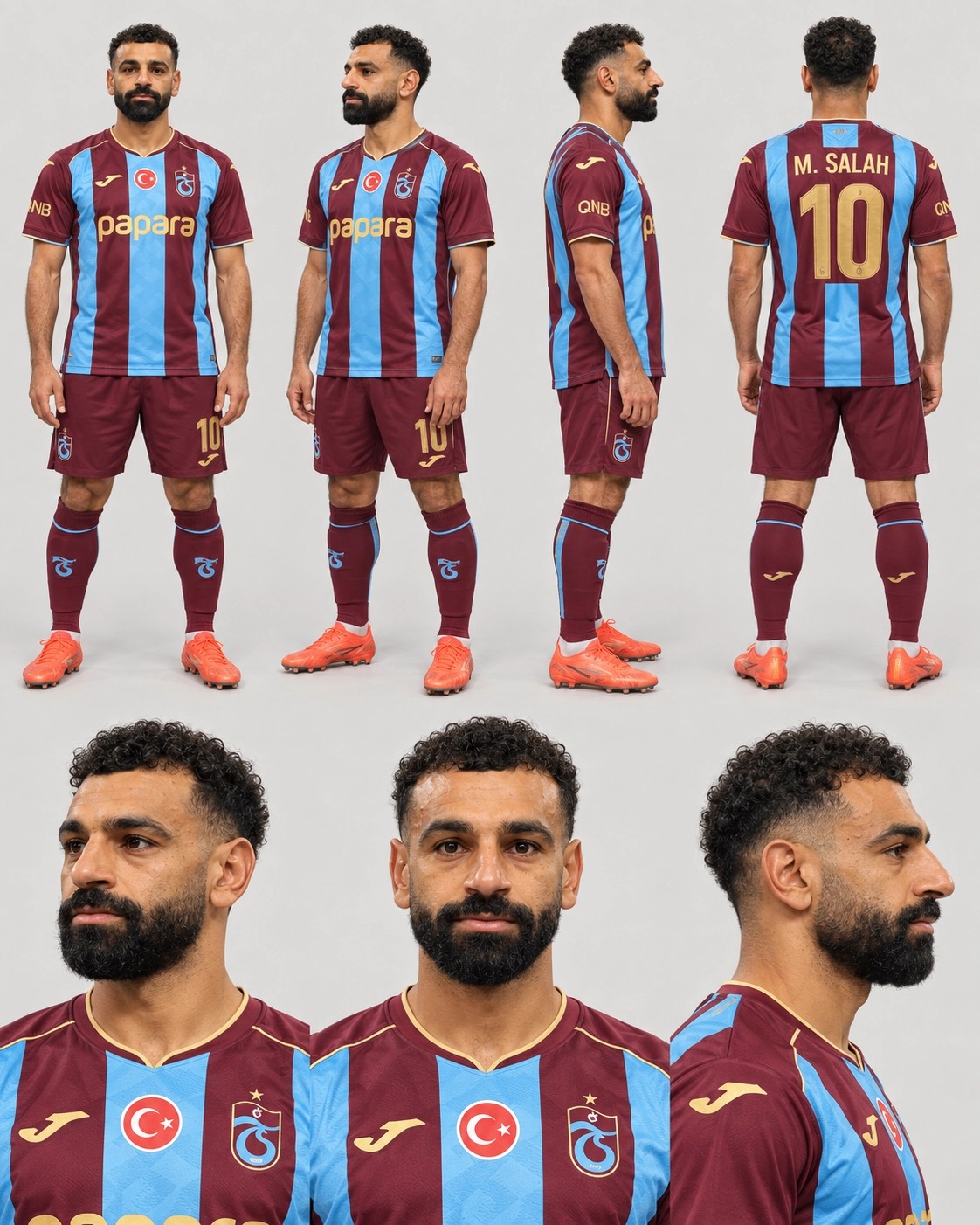
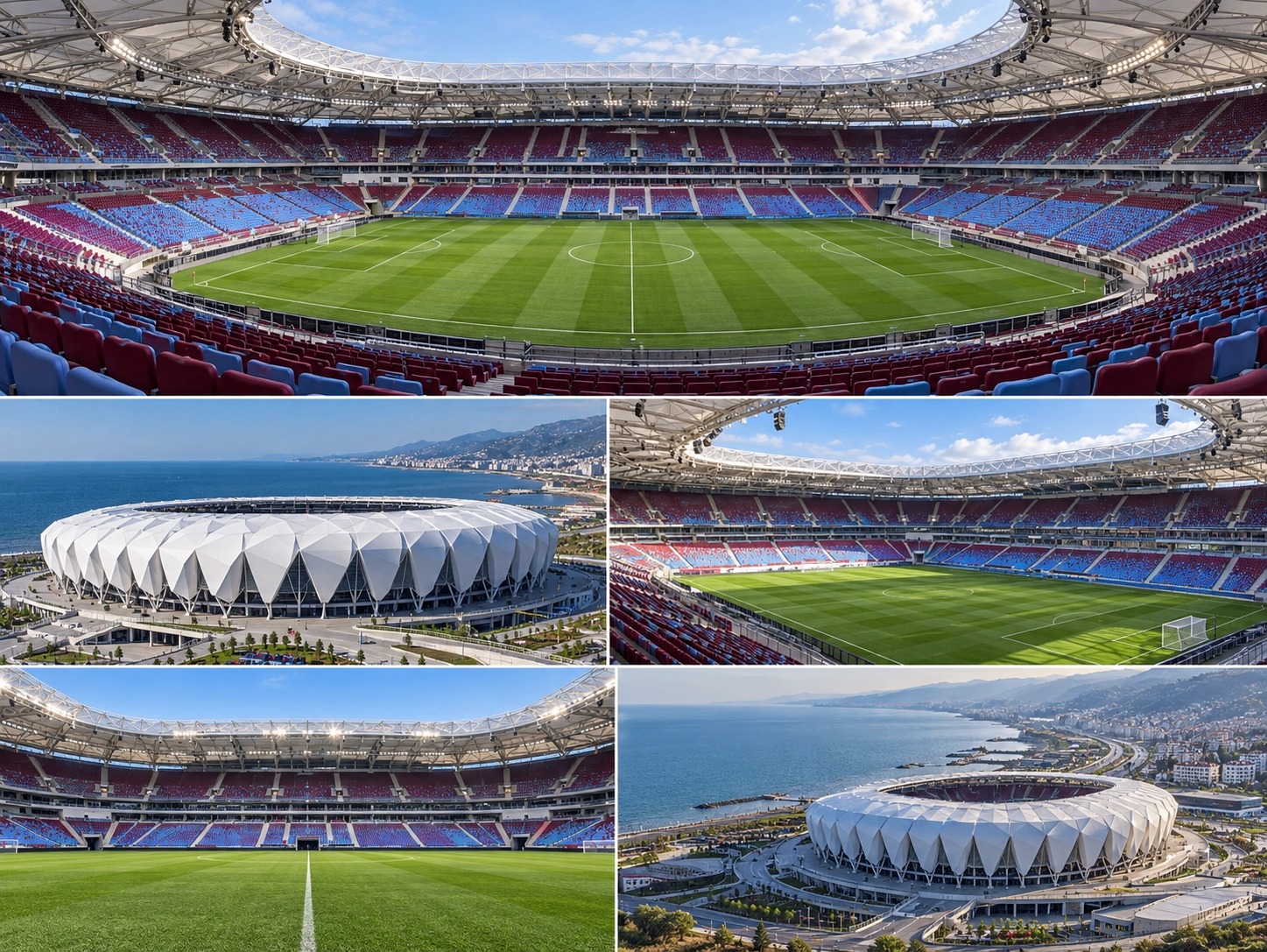
Recreate a 9:16 clip matching the camera movement, timing, duration, speed ramps, and subject framing of <<<video_1>>> as ONE continuous, unbroken shot. Replace the cat with Mohamed Salah from <<<image_1>>>, and replace the living room with the Trabzonspor stadium depicted in <<<image_2>>>. Use Video 1 strictly as the motion reference, Image 1 as the character reference, and Image 2 as the environment reference.

SUBJECT:
Mohamed Salah, matching the supplied character sheet precisely: identical facial features, skin tone, short curly black hair with faded sides, thick black beard, and lean athletic build. He wears the exact burgundy and sky-blue striped Trabzonspor kit shown in Image 1, with matching burgundy shorts, burgundy socks, and orange football boots. Preserve the reference kit’s logos, colors, and number consistently throughout.

He stands completely still on the football pitch, feet planted, arms resting naturally at his sides, shoulders relaxed. His expression remains calm and deadpan: neutral mouth, slightly raised brows, eyes focused directly on the camera. No smiling, talking, gestures, walking, or body rotation. Only his head and eyes turn smoothly to track the moving camera, reproducing the cat’s tracking behavior from Video 1. Keep head rotation anatomically natural; when the camera passes behind him, show the back of his head rather than twisting his neck unnaturally. He reacquires eye contact as the camera returns.

ENVIRONMENT:
The Trabzonspor stadium depicted in Image 2, reconstructed as one coherent, life-size environment. Match its architecture, roof structure, burgundy and sky-blue seating, green pitch, white field markings, goals, and stadium proportions. Position Salah on the pitch with open space around him.

Use the different panels of Image 2 as references for the SAME stadium, not as separate locations or a collage. Keep the entire shot inside the stadium bowl. Reveal different stands, roof details, and pitch perspectives as the camera moves. Maintain consistent geometry and lighting throughout.

CAMERA:
Vertical 9:16 video. Match Video 1’s trajectory shape, timing, rhythm, acceleration, deceleration, whip pans, and speed ramps as closely as possible, adapting the movement to human scale.

Start with an extreme wide-angle close-up of Salah’s face, with subtle short-lens perspective distortion. Pull back rapidly, sweep around him in the same energetic FPV-style orbit, then rush back in and end on the same extreme wide-angle facial close-up.

Keep the camera at approximately Salah’s chest height throughout, re-aiming toward his face to preserve the reference framing. No low hero angles. Translate the reference’s close furniture passes into close passes beside Salah’s shoulders and torso, maintaining safe clearance and realistic parallax. Keep the orbit local to Salah; do not suddenly travel to distant stands or outside the stadium.

ONE continuous camera move: no cuts, transitions, teleportation, hidden edits, or scene changes. Match the opening and closing framing for a seamless loop.

CINEMATIC CONTROL:
24fps cinematic feel, 180-degree shutter, natural directional motion blur during rapid camera movement, and moderate depth of field. Keep Salah recognizable and the stadium structurally readable. Create depth through lighting and perspective rather than excessive background blur. Natural daylight consistent with Image 2, realistic skin texture, detailed fabric, photorealistic grass, large-format clarity, and cinematic contrast. No 60fps look, artificial video-game smoothness, or exaggerated lens warping.

CONSISTENCY:
Lock Salah’s identity, haircut, beard, physique, outfit, and proportions across every frame. No facial morphing, duplicate people, extra limbs, shifting logos, changing kit colors, moving field markings, or unstable stadium architecture. No added captions or watermarks.

Referências

Vídeo 1 · movimentoBaixar
Imagem 1 · Jogador no estádio com a câmera girando
Imagem 1Baixar
Imagem 2 · Jogador no estádio com a câmera girando
Imagem 2Baixar
13Vídeo + foto

Caminhonete saltando por cima de você

Onde fazer: Higgsfield, Kling 3.0 ou Seedance 2.5 (vídeo com referência)

  1. 1

    Baixe o Vídeo 1 abaixo. Ele define o movimento da câmera e a ação.

  2. 2

    Abra uma ferramenta de vídeo com referência (Higgsfield, Kling 3.0 ou Seedance 2.5) e envie o Vídeo 1 e a sua foto.

  3. 3

    Cole o prompt, deixe em 9:16 e clique em Gerar.

Prompt
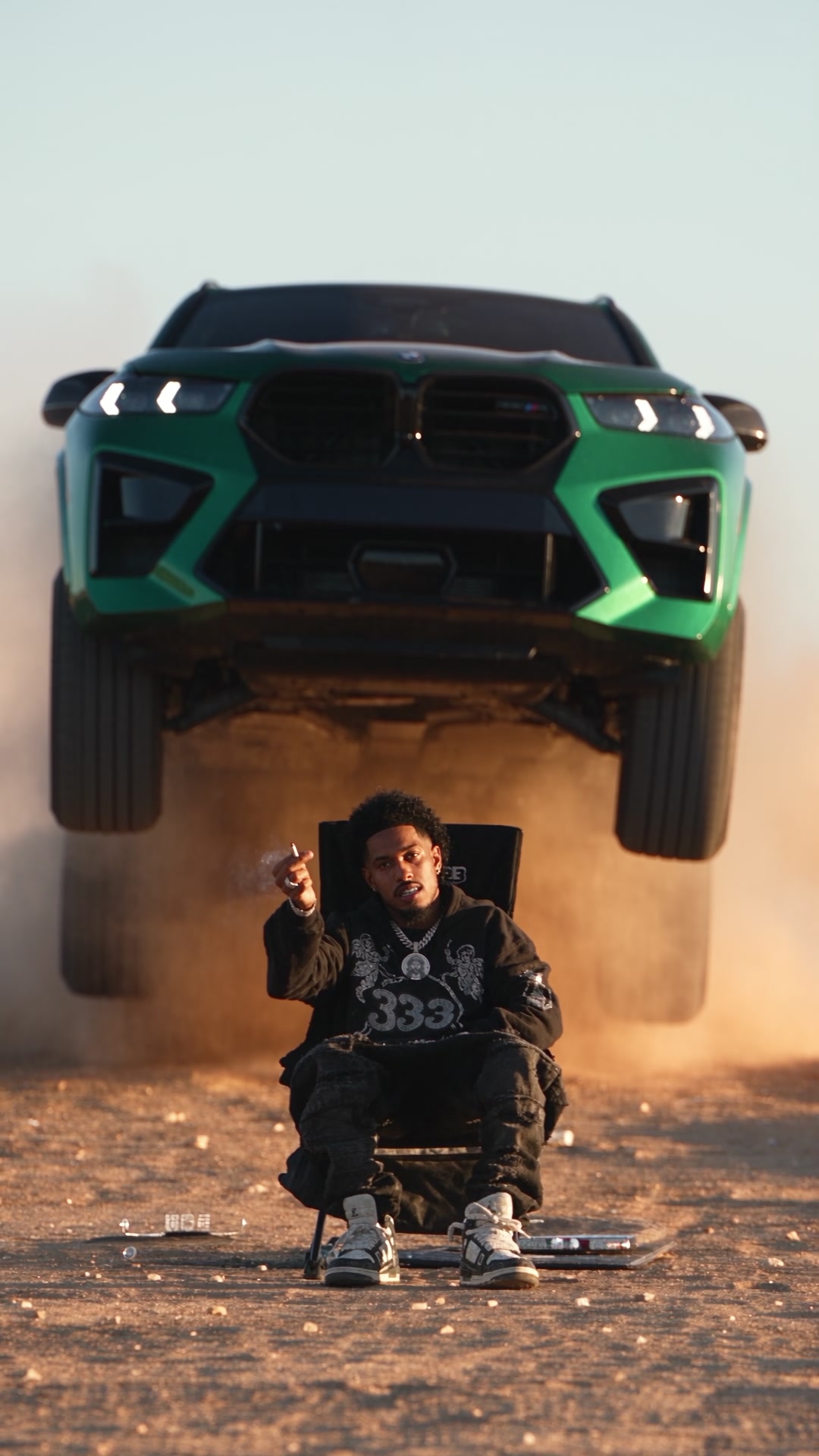
Use <<<video_1>>> as the exact reference for camera position, framing, timing and action. Replace the person sitting on the chair with the person in <<<image_1>>>, keeping their face, hair, body and outfit. Replace the truck with a powerful SUV.

Vertical 9:16, one continuous shot in a desert at golden hour. The person sits calmly on a folding chair in the center of the frame, facing the camera, relaxed and confident. Behind them, the SUV races toward the camera through a huge cloud of dust, launches off the ground and flies right over the person's head, landing behind with an explosion of sand.

The person never flinches. Locked-off camera at chest height, warm backlight, flying sand particles, realistic suspension and physics, cinematic commercial look, no text.

Referências

Vídeo 1 · movimentoBaixar
Imagem final · Caminhonete saltando por cima de você
Imagem finalBaixar
14Vídeo + foto

Troca de produto dentro do carro

Onde fazer: Higgsfield, Kling 3.0 ou Seedance 2.5 (vídeo com referência)

  1. 1

    Baixe o Vídeo 1 abaixo. Ele define o movimento da câmera e a ação.

  2. 2

    Abra uma ferramenta de vídeo com referência (Higgsfield, Kling 3.0 ou Seedance 2.5) e envie o Vídeo 1 e a sua foto.

  3. 3

    Cole o prompt, deixe em 9:16 e clique em Gerar.

Prompt
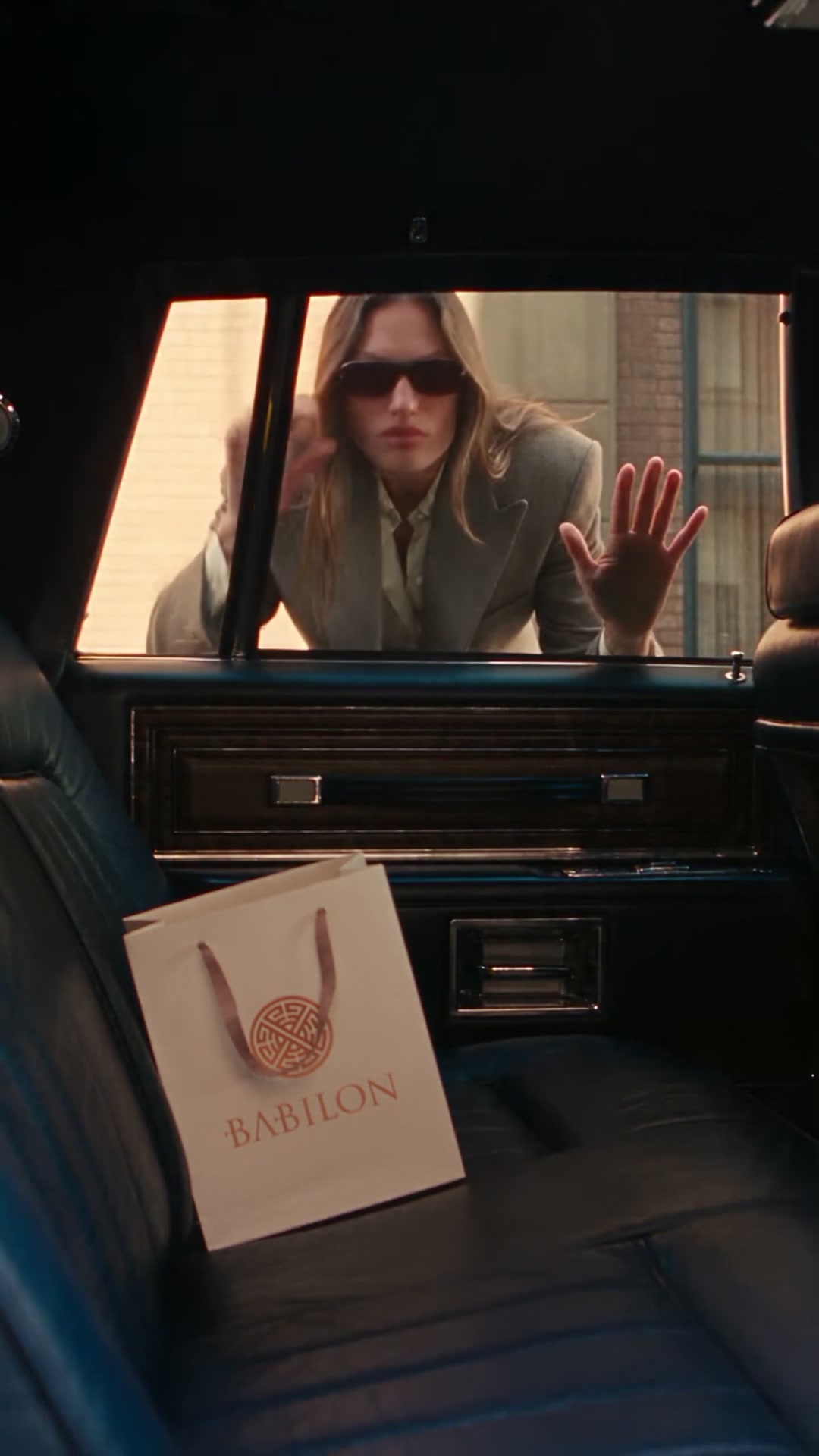
Use <<<video_1>>> as the exact reference for camera, timing and action. Replace the product on the back seat with the product in <<<image_1>>>, keeping its exact shape, colors, logo and label. Replace the woman with the person in <<<image_2>>> if provided.

Vertical 9:16. The camera is inside a classic car looking at the back seat, where the product rests. A stylish woman in sunglasses and a gray blazer appears outside the window, looks around, smashes the glass with one hit, grabs the product and walks away. Cut to a confident slow-motion walk down a sunny city street, holding the product close to her chest, hair blowing in the wind.

Glass shards in slow motion, natural daylight, fashion-film energy, the product always clearly visible and unchanged, no text.

Referências

Vídeo 1 · movimentoBaixar
Imagem final · Troca de produto dentro do carro
Imagem finalBaixar
15Vídeo + foto

Metal líquido que vira carro

Onde fazer: Higgsfield, Kling 3.0 ou Seedance 2.5 (vídeo com referência)

  1. 1

    Baixe o Vídeo 1 abaixo. Ele define o movimento da câmera e a ação.

  2. 2

    Abra uma ferramenta de vídeo com referência (Higgsfield, Kling 3.0 ou Seedance 2.5) e envie o Vídeo 1 e a sua foto.

  3. 3

    Cole o prompt, deixe em 9:16 e clique em Gerar.

Prompt
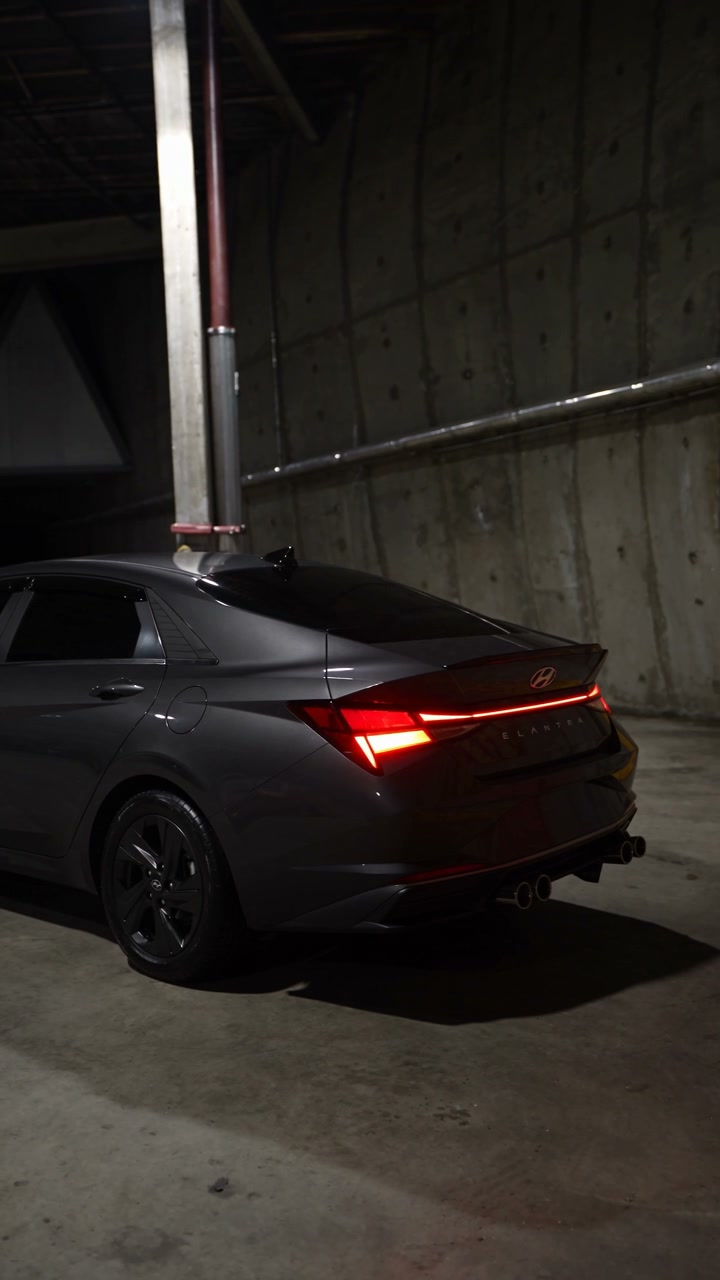
Use <<<video_1>>> as the exact reference for camera movement and timing. Use <<<image_1>>> as the exact reference for the car: same model, black paint, wheels, lights and details.

Vertical 9:16, one continuous shot inside a dark underground parking garage with concrete walls. Start on a glossy puddle of black liquid metal on the floor. The liquid rises, twists and grows, forming the chassis, then the wheels and finally the full body of the car, with chrome reflections flowing over the surface as it solidifies.

The headlights turn on. The camera orbits low around the finished car, passes close to the front grille and rear lights, then pulls back to a wide shot of the car alone in the garage.

Photoreal liquid simulation, moody overhead lights, strong reflections, premium automotive reveal, no text.

Referências

Vídeo 1 · movimentoBaixar
Imagem final · Metal líquido que vira carro
Imagem finalBaixar
Planetando

Quer vídeos assim para a sua marca?

A gente cria vídeos com IA para produtos e negócios.

Falar com a Planetando